Custom Domain Settings for Media
You can set a custom domain for the URLs of media uploaded to microCMS. Use this feature when you want to assign a unique domain to the media uploaded to microCMS.
Information
This feature is a system that forwards access to your custom domain through the reverse proxy within microCMS to media on microCMS.
Please note that this is not a function to use images or files managed on your own server as media in microCMS.
For information on the feature that allows users to store media uploaded by them in their own managed Amazon S3, please see "Amazon S3 Integration".
Information
The custom domain setting for media is a feature available with the Enterprise plan.
For information on the features available with each plan, please refer to the pricing page.
Feature Details
Typically, the URLs of media uploaded to microCMS have a common domain as follows:
Images:images.microcms-assets.io
Files:files.microcms-assets.io
By setting up the custom domain feature, you can assign your own domain to the images and files on microCMS that you own.
Example of Image Settings
Before Setting
https://images.microcms-assets.io/assets/xxxxx/xxxxx/image.png
After Setting
https://images.example.com/assets/xxxxx/xxxxx/image.png
Example of File Settings
Before Setting
https://files.microcms-assets.io/assets/xxxxx/xxxxx/file.pdf
After Setting
https://files.example.com/assets/xxxxx/xxxxx/file.pdf
Additionally, a redirect will be set up for access to the common domain, so there is no need to consider the published URLs.
How to Set Up
This feature cannot be set up from the management screen, and is handled on a contact basis.
Both the user and our company will need to perform tasks for the setup.
If you wish to set this up, please contact us in advance via the chat section at the bottom right of the screen.

Required Tasks for Users
1. DNS Server Configuration
On the DNS server, set up a CNAME record for the desired domain (e.g., images.example.com / files.example.com) to point to the domain managed by microCMS.
images.example.com. IN CNAME cname.microcms-dns.io.
files.example.com. IN CNAME cname.microcms-dns.io.Information
You cannot set the same custom domain for images and files. Please prepare separate custom domains for images and files.
Required Work at Our Company
1. Issuance and Placement of Certificates
We will issue an SSL certificate (DV certificate) and place it on our server.
Information
Enterprise Plan users can consult about the use of OV/EV certificates. In that case, please keep the following points in mind.
- When using OV/EV certificates, you will need to issue the certificate yourself. Based on the CSR file created by us, please issue the certificate and place it on our server after receipt. We will coordinate the detailed process individually.
- If you use OV/EV certificates, you will need to regularly reissue the certificates. Additionally, reconfiguration by us will be necessary. Therefore, please ensure that the validity period of the certificate is more than 1 year.
- Certificates that include domains not managed by us, such as wildcard certificates or multi-domain certificates, cannot be accepted due to security reasons. Thank you for your understanding.
2. Changing Distribution Settings
Media distribution domain will be changed. At this point, the following information will be updated.
- Media URLs (images/files) included in the API response
- Media URLs included in the Webhook request body
- Media URLs in the management interface
Additionally, a 302 redirect to the new URL will be enabled when accessing the old URL.
Information
The estimated time for switching to a custom domain is as follows:
- For DV certificates: 2 weeks or more
- For OV/EV certificates: 1 month or more
Caution
In cases where the URL is specified directly, the custom domain will not be applied even if the distribution settings are changed. Although there will be no issues with display due to the redirect processing, please be aware that the old URL may remain as the link's URL.
Examples of cases where the custom domain is not applied include the following:- Specifying media URLs such as PDFs in links within the rich editor
- Managing media URLs by entering them in a text field
- Directly calling media URLs from the frontend code
Caution
Custom domains are not applicable to environments created with the multi-environment feature.
How to Check Settings
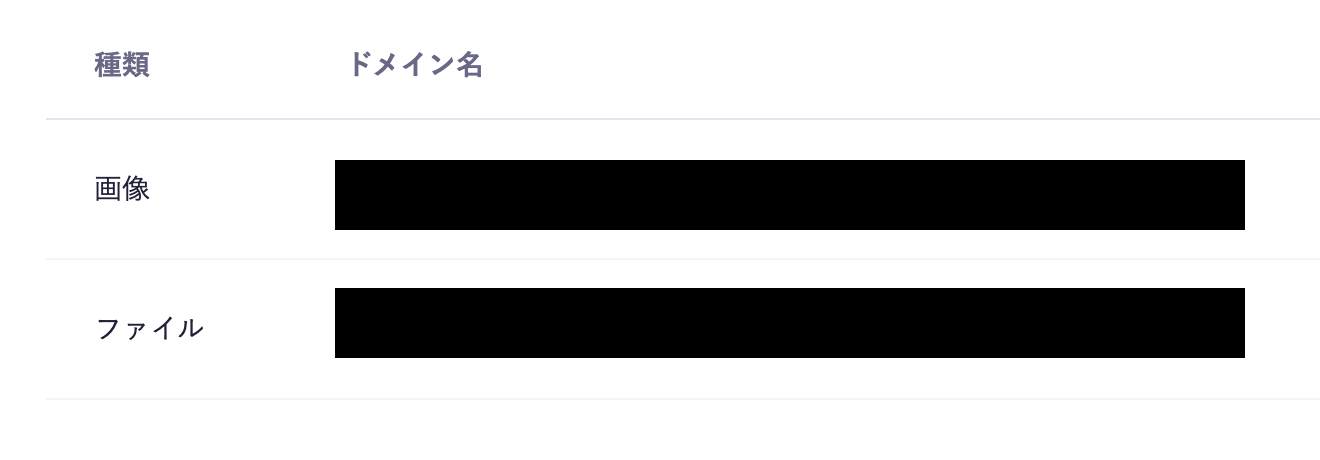
The configured custom domain can be checked from Service Settings > Custom Domain.