Number
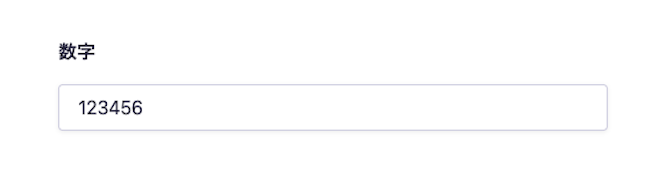
The number field is used to manage numerical data such as prices, quantities, rankings, and orders.
Unlike text fields, it restricts input to numerical values, making it suitable for accurate calculations on the frontend and sorting based on numerical values.
How to Upload Data

Click on the input field and enter half-width numbers.
For information on uploading using the API and CSV, please refer to the documentation below.
Limitations / Notes
- The range of input values is from 9007199254740991 to -9007199254740991.
Settings Item | Description |
|---|---|
Required Field | When set to ON, input is required during submission. |
Description Text | This is the description text displayed on the submission screen. |
Limit Values | Specifies the minimum and maximum values that can be entered in the field. |
Response Format of GET API
Please refer to the documentation below for details.
How to Use in Frontend
The number field returns data in numeric format, so it is displayed not only as is but also processed for calculations and format conversions.
Below is an implementation example in Next.js that displays the price.
export default async function Page({ params }) {
const { slug } = await params;
// Fetch data using the microCMS JavaScript SDK (https://github.com/microcmsio/microcms-js-sdk)
const data = await client.getListDetail({
endpoint: "products",
contentId: slug,
});
return (
<main>
{/* price is the field ID. Please replace it with the actual field ID */}
<p>Price: {data.price.toLocaleString()} yen (including tax)</p>
</main>
);
}