microCMS

Template

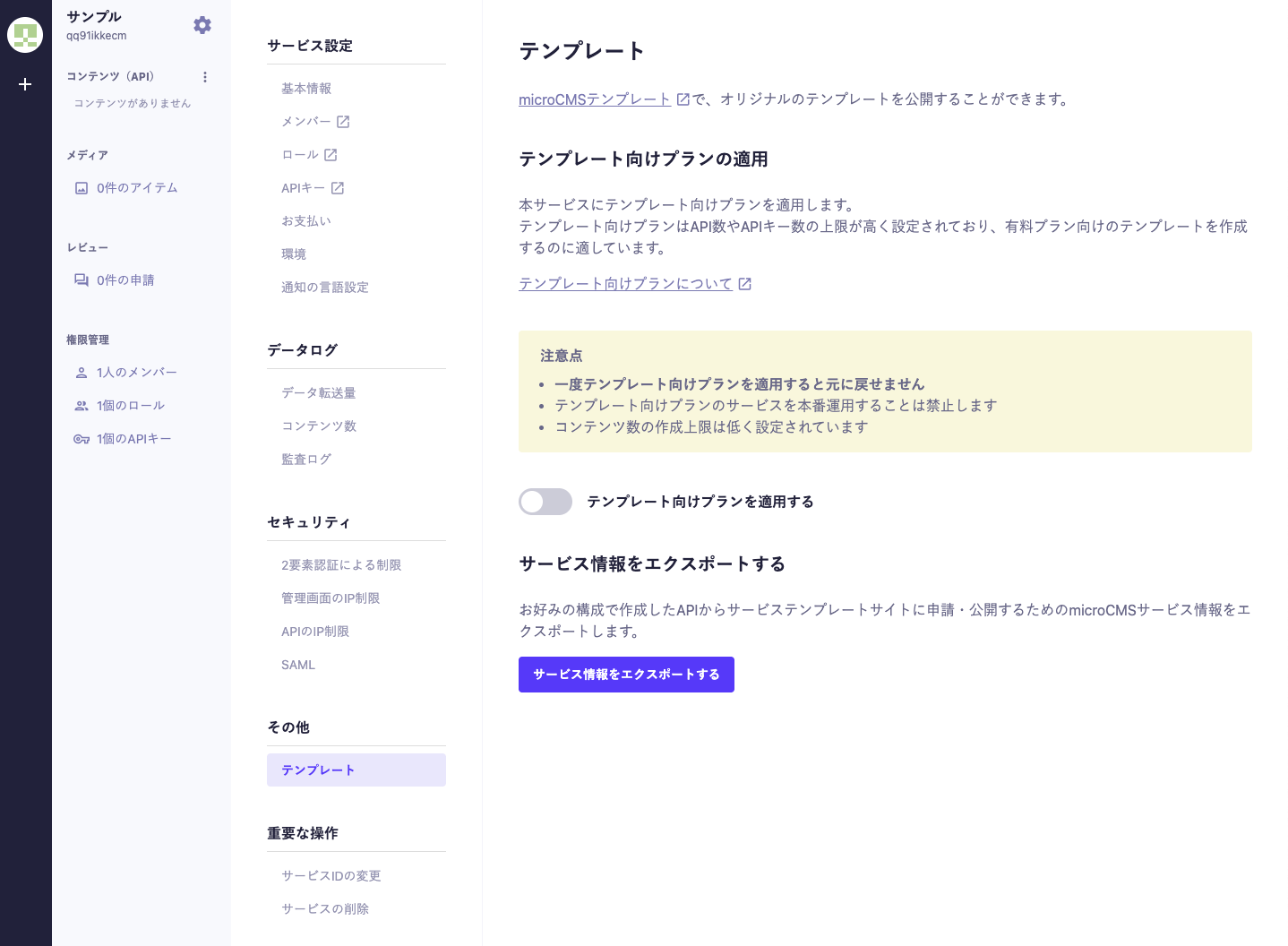
You can publish your original templates using the microCMS template.

What is a microCMS Template

A microCMS template refers to a set that includes the backend (microCMS service) and the frontend (GitHub repository).

By publishing a microCMS template, anyone can utilize that template to generate a complete implementation from the microCMS service to the frontend.

Plan for Templates

The limits for the number of APIs and API keys are set high, making it suitable for creating templates for paid plans.

The cost is free.

Details of the Plan

Item

Limit

API Request Count

Unlimited

Data Transfer Volume

20GB/month (API will stop if exceeded)

Number of Members

20 people

Number of APIs

50

Number of API Keys

20

Number of Contents

50 items

CSV Import

30 items

Media Storage Capacity

Unlimited

Maximum Size per Media

40MB

Content API

Image API

Management API

WRITE API Query

Scheduled Posting

Extended Fields

Review

API Group

Media Tag Management

File Upload

Permission Management

Technical Support

Content Update History

IP Restriction (Admin Panel)

IP Restriction (API)

Multiple Environment Management

Custom Status

Audit Log

Mandatory Two-Factor Authentication

Custom Domain Settings for Media

Payment by Invoice

Single Sign-On

Response to Security Checklist

Notes

  • Once a template plan is applied, it cannot be reverted.
  • Using the template plan services in a production environment is prohibited.
  • The limit on the number of content items that can be created is set low.
  • The details of the plan may change without notice.

How to Apply the Plan

You can apply the plan from "Service Settings > Others > Template".

※ It can only be applied from the Hobby plan.


Exporting Services

Service information from microCMS is required when creating a template.
You can export service information from "Service Settings > Others > Template".

Information Exported

  • API Name
  • API Description
  • API Schema (including required checks for each field, descriptions, etc.)
  • Custom Fields

Information Not Exported

  • Webhook
  • IP Restrictions
  • Custom Status
  • Screen Preview
  • Roles
  • Content
  • Media