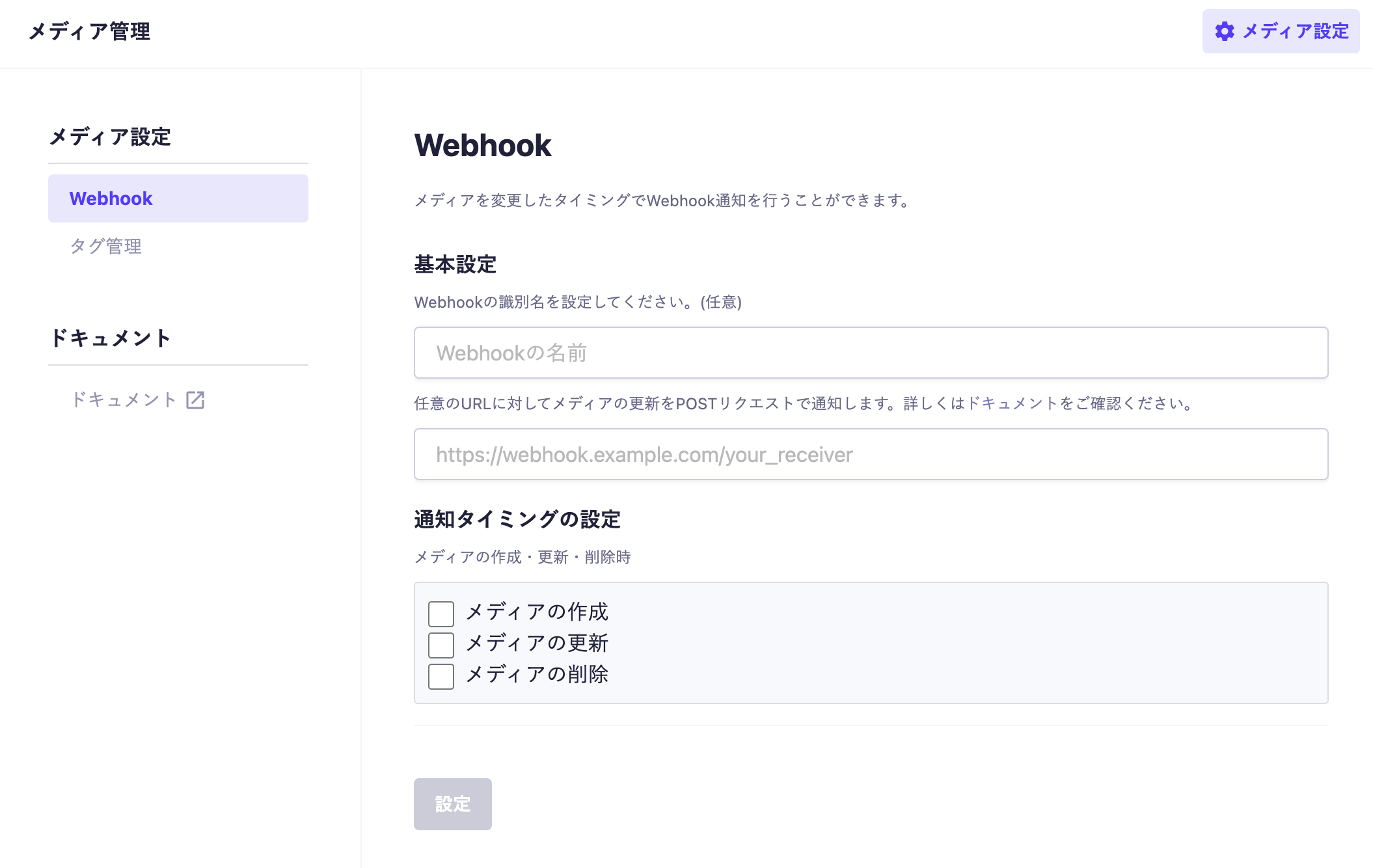
The media webhook notifications send POST requests to a specified URL. The receiving end can perform custom processing upon receiving the request.
The request header includes Content-Type: application/json.
The request body contains information about the affected content and API.
{
  "service": "someId",
  "type": "edit",
  "old": {
    "url": "https://images.microcms-assets.io/assets/xxxx/yyyy/zzzz.jpg",
    "width": 100,
    "height": 100,
    "alt": "Some sample alt text."
  },
  "new": {
    "url": "https://images.microcms-assets.io/assets/xxxx/yyyy/zzzz.jpg",
    "width": 100,
    "height": 100,
    "alt": "Some sample alt text."
  },
}
service
This contains the subdomain of the service to which the modified media belongs.
type
This indicates the type of change. For new additions, it will be new; for edits, edit; and for deletions, delete.
old
This contains the content before the media was edited or deleted. It will be null when a new media is created.
new
This contains the content after the media has been created or edited. It will be null when the media is deleted.
Common to old / new
url
This contains the URL of the media.
width
This contains the width of the media. It will be null for non-image files.
height
This contains the height of the media. It will be null for non-image files.
alt
This contains the alternative text set from the media management screen. If there is no setting or for non-image files, the key itself will not be included.
The server receiving notifications from microCMS must be publicly accessible.
Therefore, depending on the processing, it is necessary to consider measures that account for the possibility of receiving POST requests from third parties.
Specifically, when setting the URL, you can configure a value known only to microCMS and the receiving server, such as ?auth=XXX, and verify whether this value is correct on the receiving server (i.e., whether the request is from microCMS).

 Information