First, here is how to fetch data using Go. Install the microcms-go-sdk in your environment.
$ go mod init test-project
$ go get github.com/microcmsio/microcms-go-sdk
Next, create a main.go file to fetch the data. Please set your own service-domain and api-key.
package main

import (
  "fmt"
  "time"

  "github.com/microcmsio/microcms-go-sdk"
)

type Content struct {
  Text        string    `json:"text,omitempty"`
  CreatedAt   time.Time `json:"createdAt,omitempty"`
  UpdatedAt   time.Time `json:"updatedAt,omitempty"`
  PublishedAt time.Time `json:"publishedAt,omitempty"`
  RevisedAt   time.Time `json:"revisedAt,omitempty"`
}

func main() {
  serviceDomain := "service-domain"
  apiKey := "api-key"

  c := microcms.New(serviceDomain, apiKey)

  params := microcms.GetParams{
    Endpoint: "hello",
  }
  var data Content
  err := c.Get(params, &data)
  if err != nil {
    panic(err)
  }

  fmt.Printf("%+v", data)
}
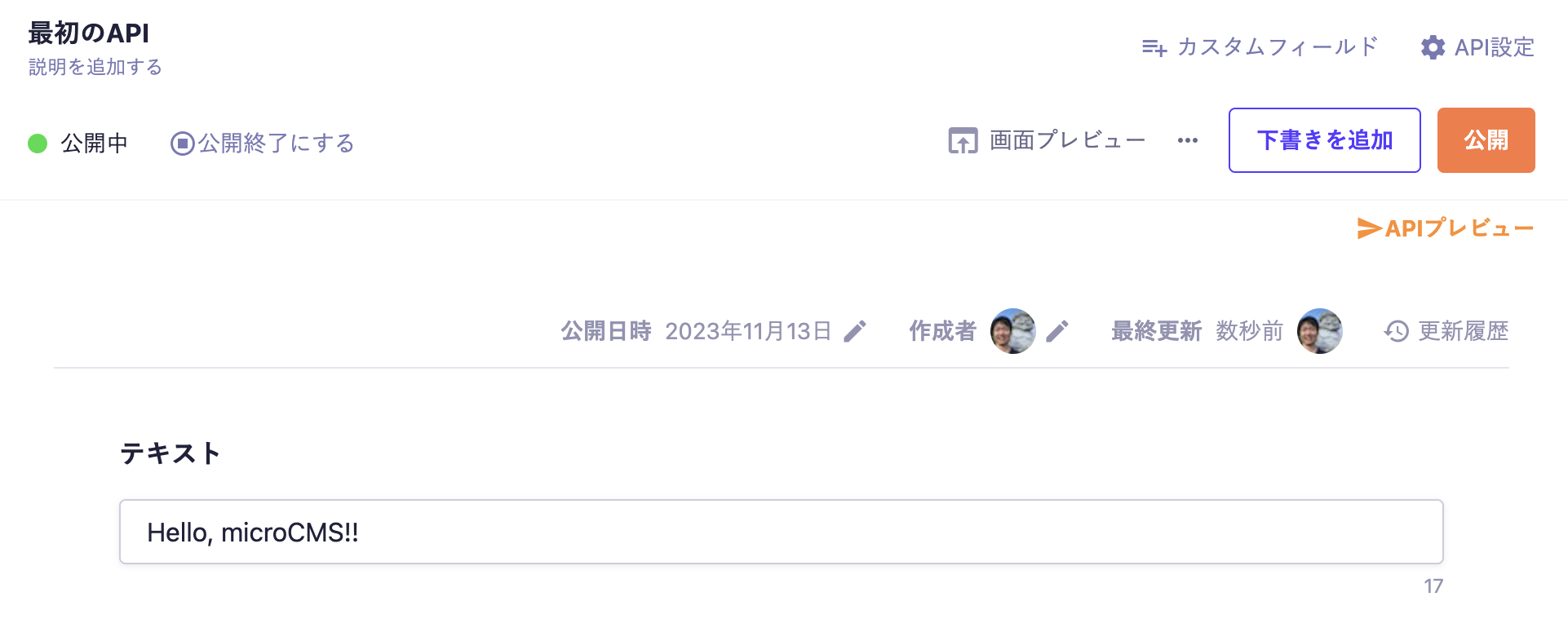
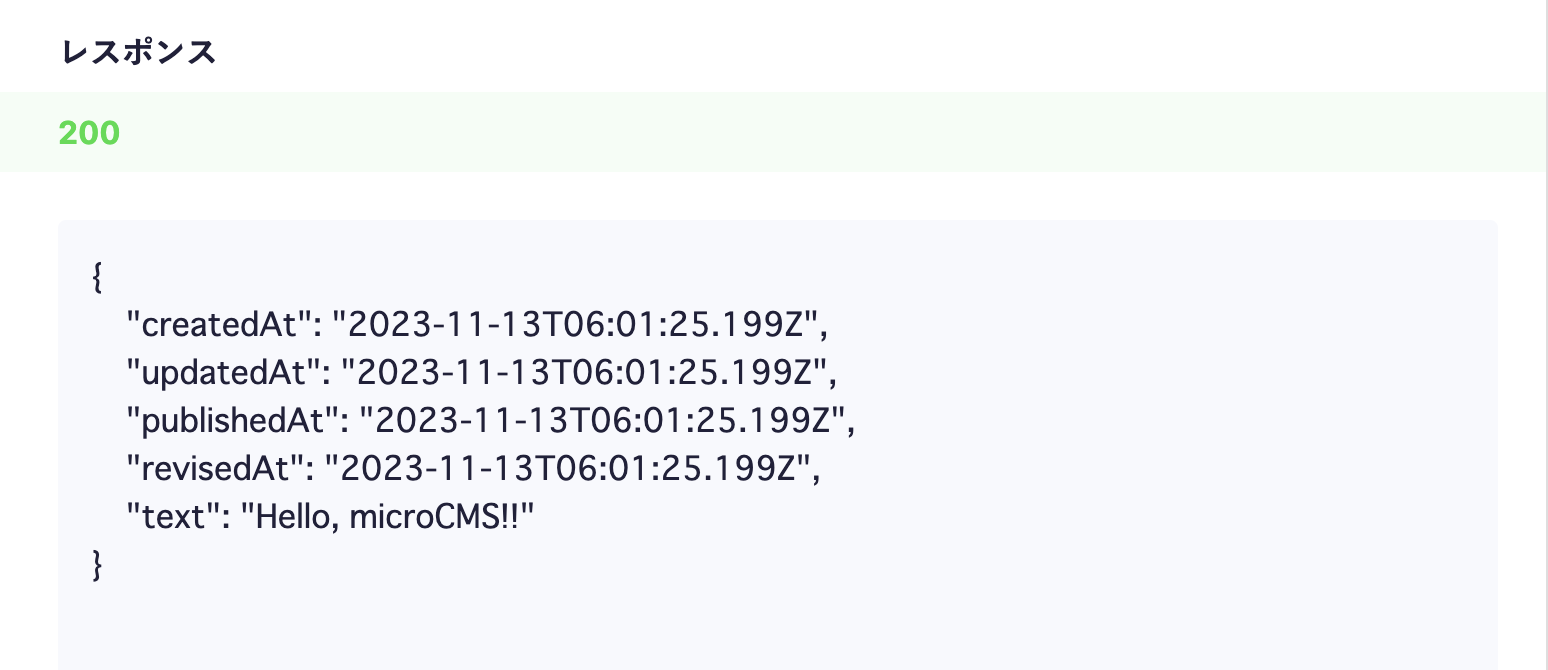
Let's run the local main.go. You will be able to fetch the content you submitted to microCMS.
$ go run main.go

 Integration with Go