You can request a review from other members when publishing draft content or ending the publication of live content. This feature is useful for managing content collaboratively when combined with the role feature. It is available on all plans.
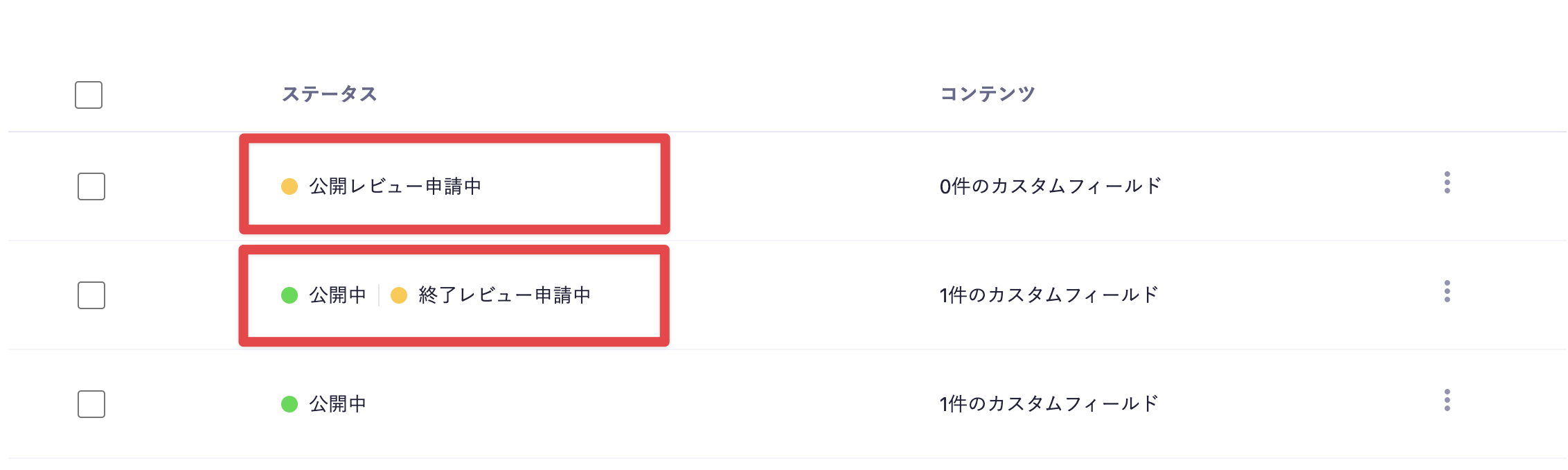
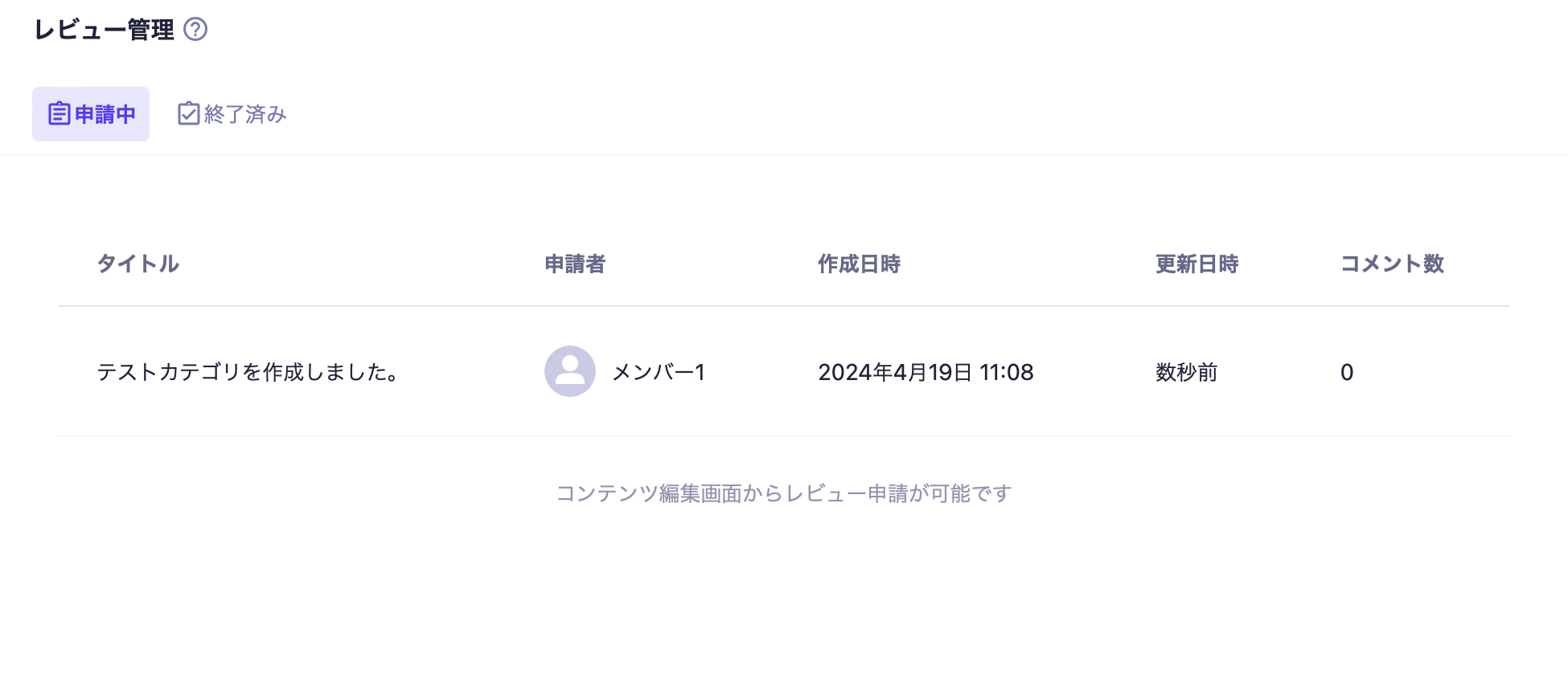
You can check the reviews from the "Review" > "◯ requests" in the left column of the management screen. There are two statuses for reviews: "Pending" and "Completed".
Information
In addition to reviews by human members, we offer an "AI Review" feature that supports quality checks of content using AI. For information on how to set up and use AI Review, please refer to the AI Review manual.
To submit a review request, click the [Submit Review] button in the content editing screen.
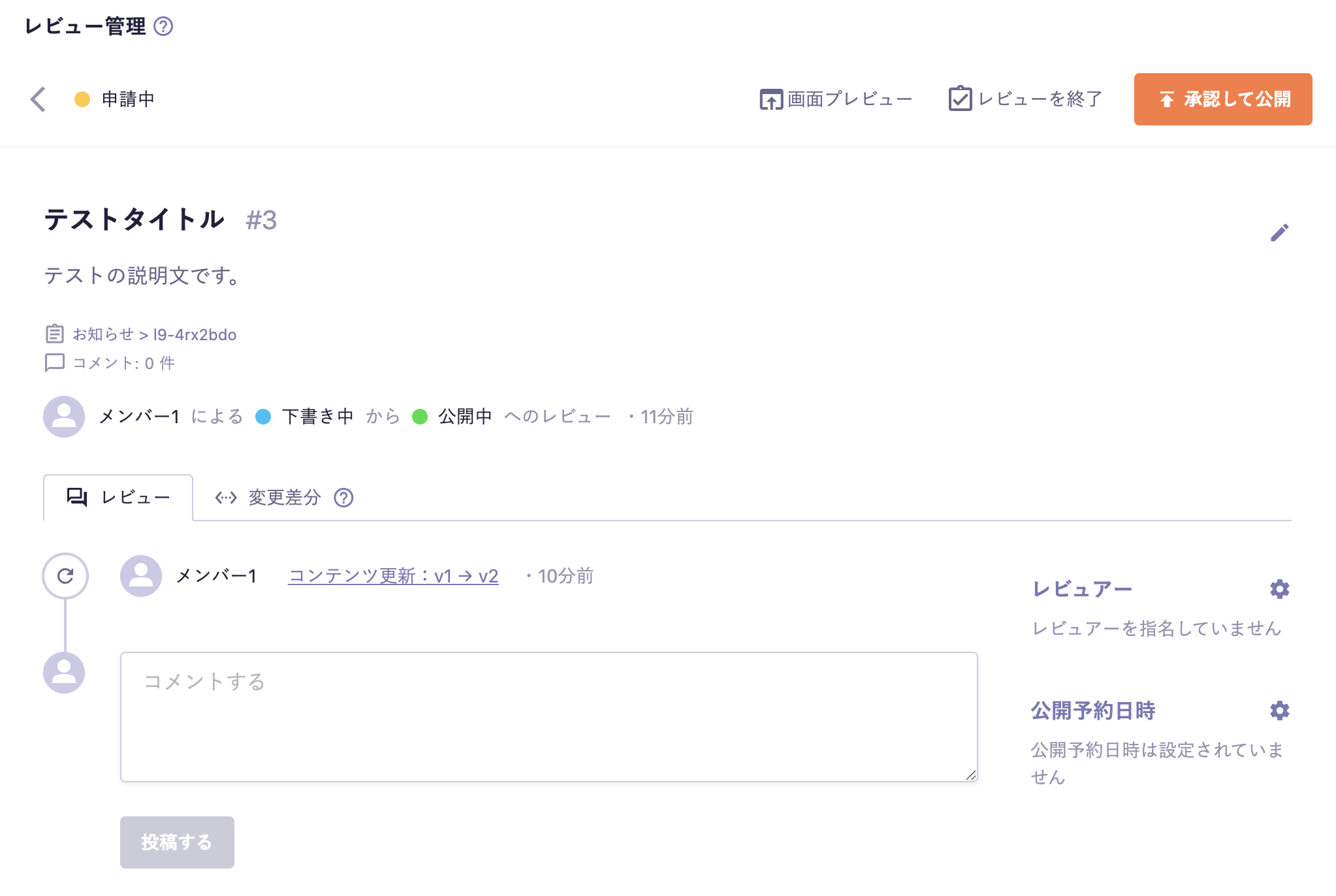
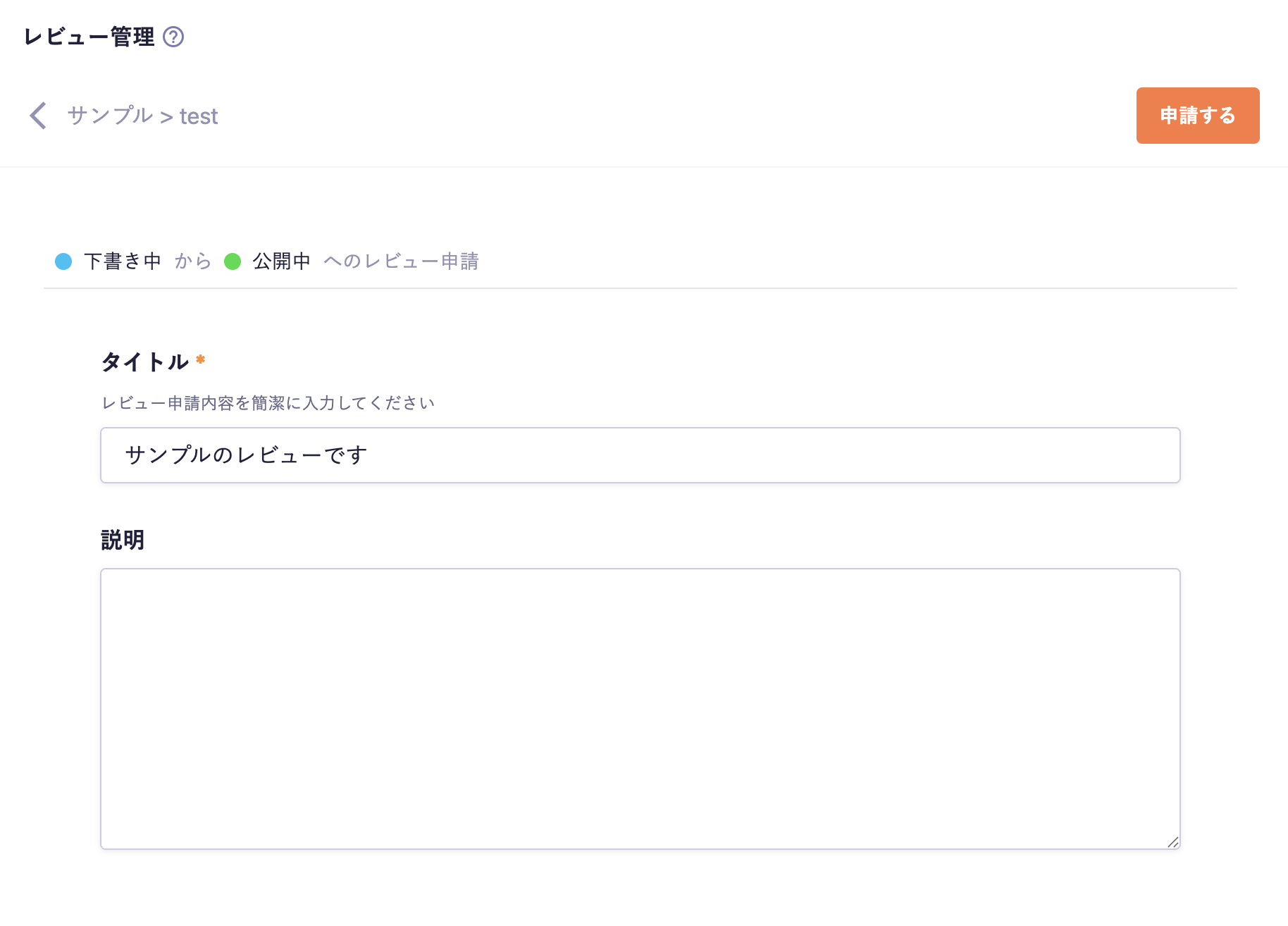
When you click [Submit Review], you will be taken to the review creation screen. In the review creation screen, you can enter:
Title (required)
Description
Please fill in the title and description so that the reviewer understands the content of the review. Once you have entered the content, click the [Submit] button.
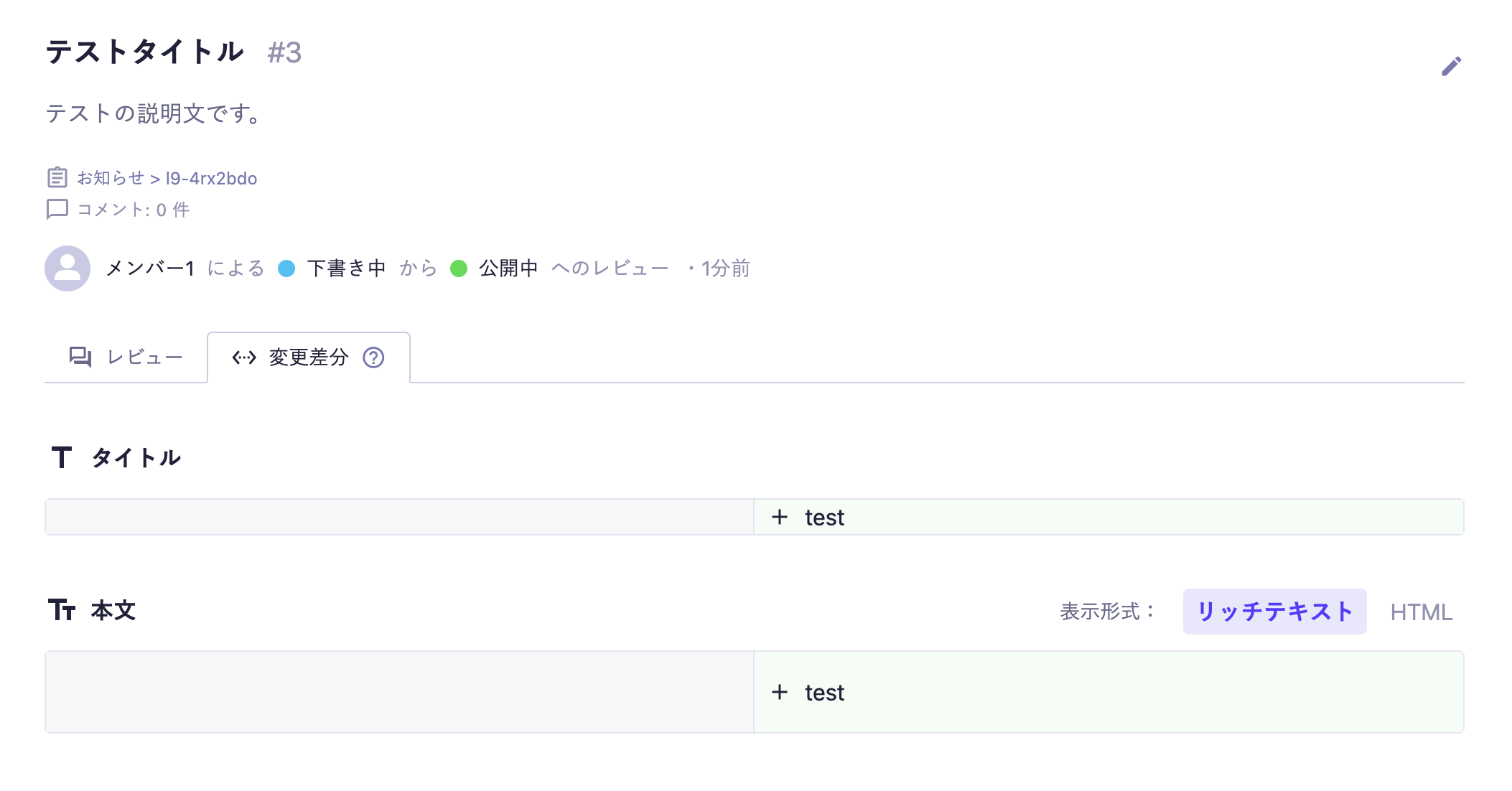
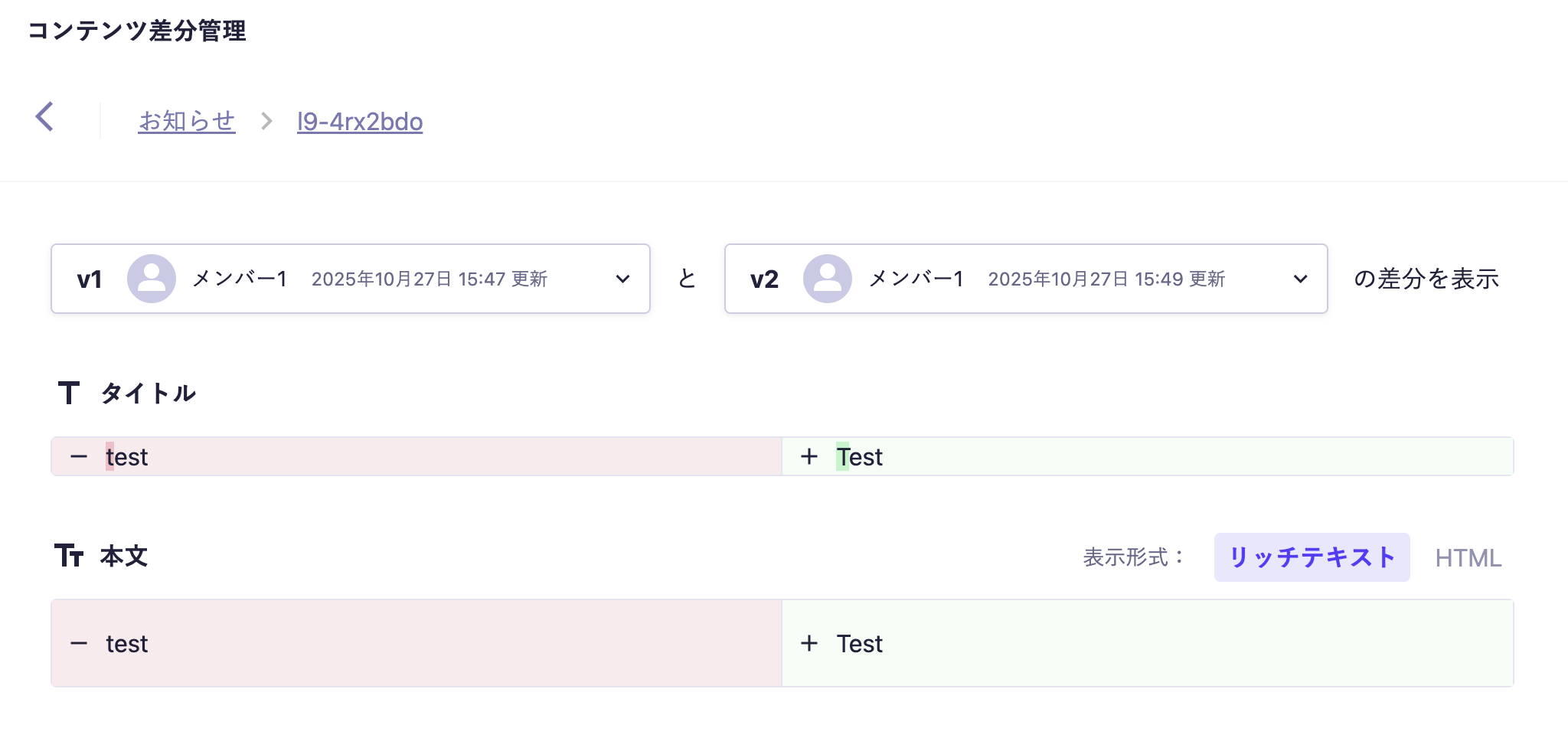
By clicking on the differences tab, you can check the differences between the content that has been submitted for review (the latest draft content) and the currently published content.
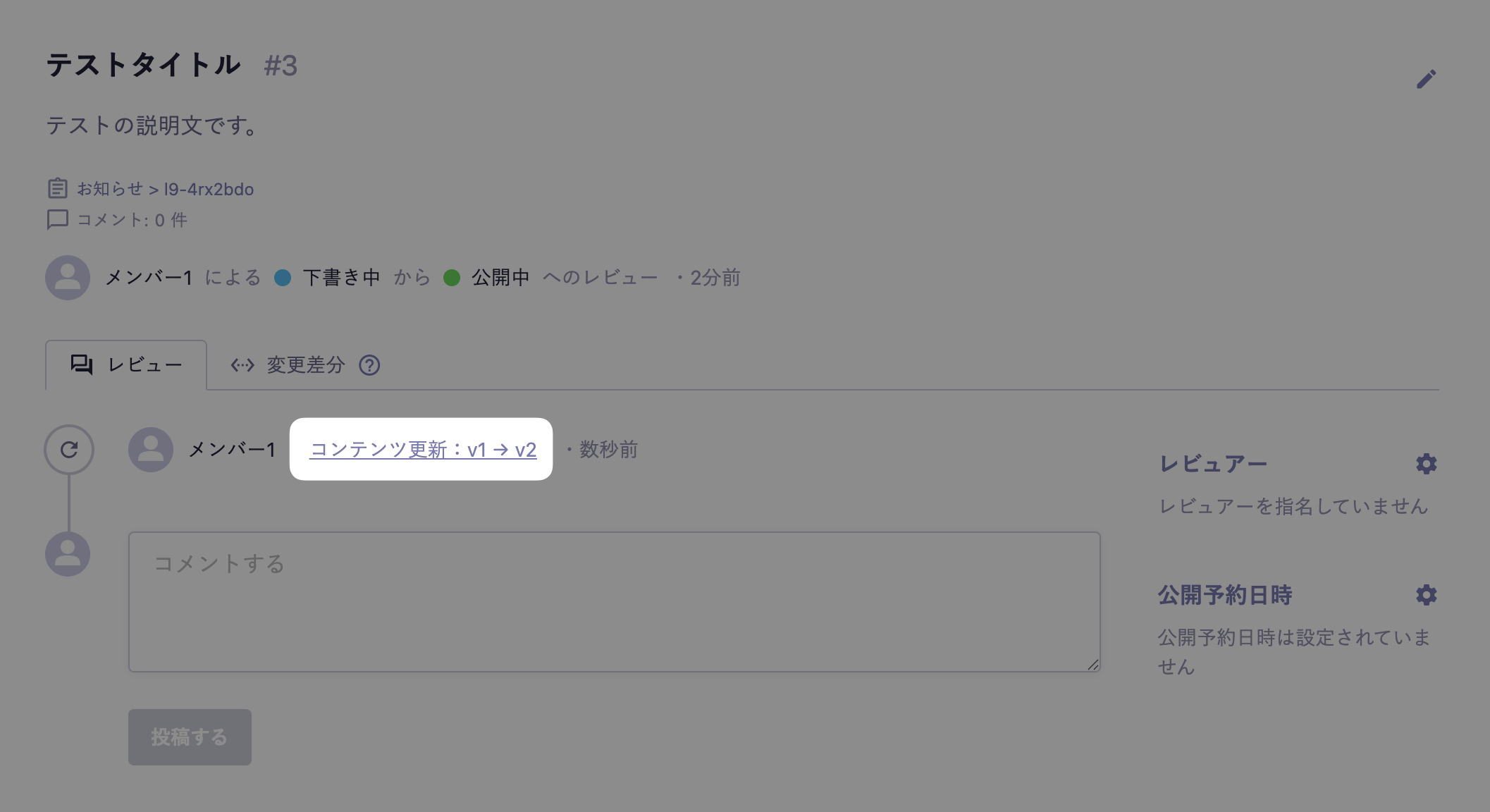
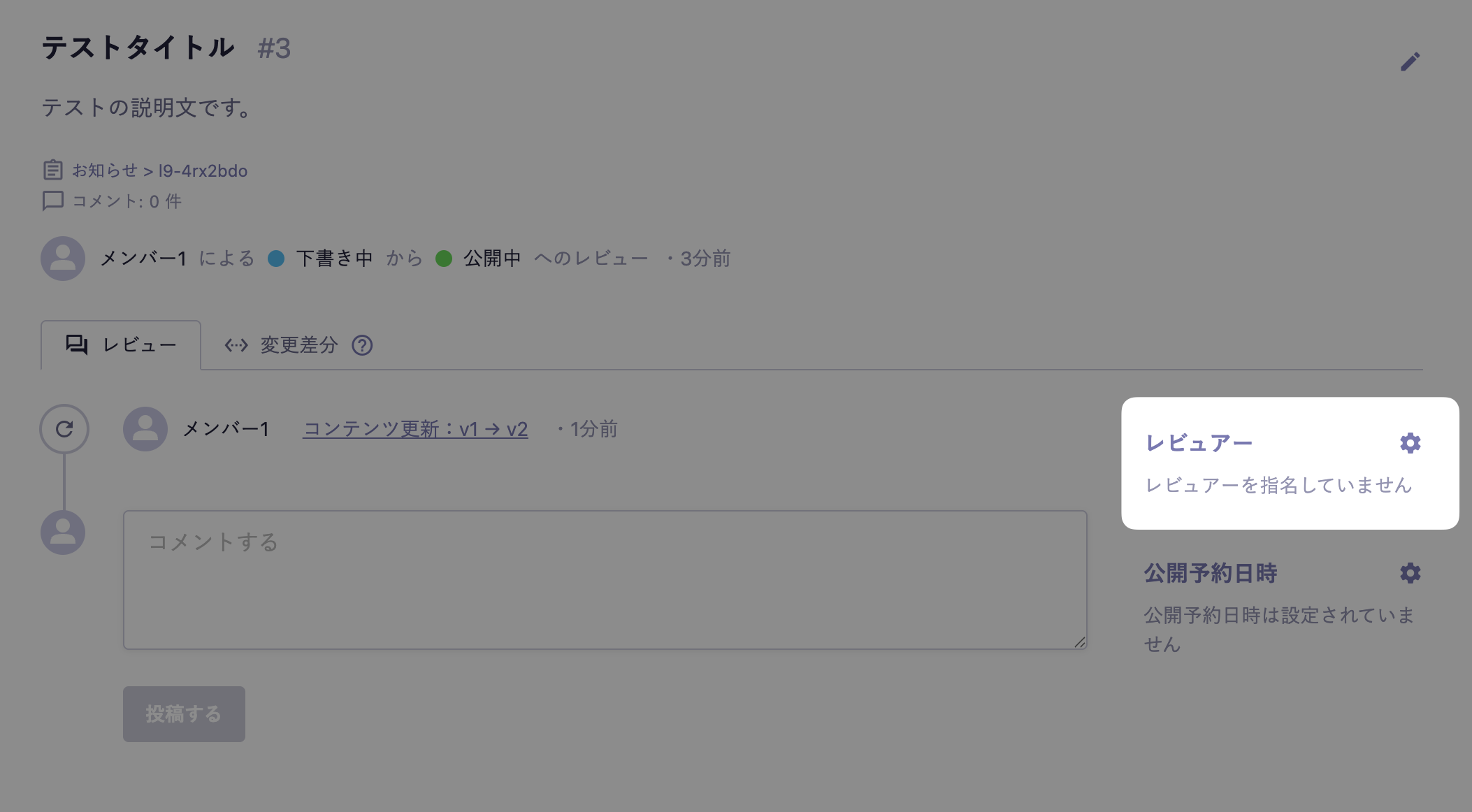
If you update the content during the review, you can also compare it with previous versions by clicking on the [Content Update: v○→v○] in the review tab.
Information
Can only be confirmed during the public review application.
Caution
Regarding the determination of empty values, it may be judged as having no difference even when the data is strictly different. It is not guaranteed that there will be no differences in the API response.
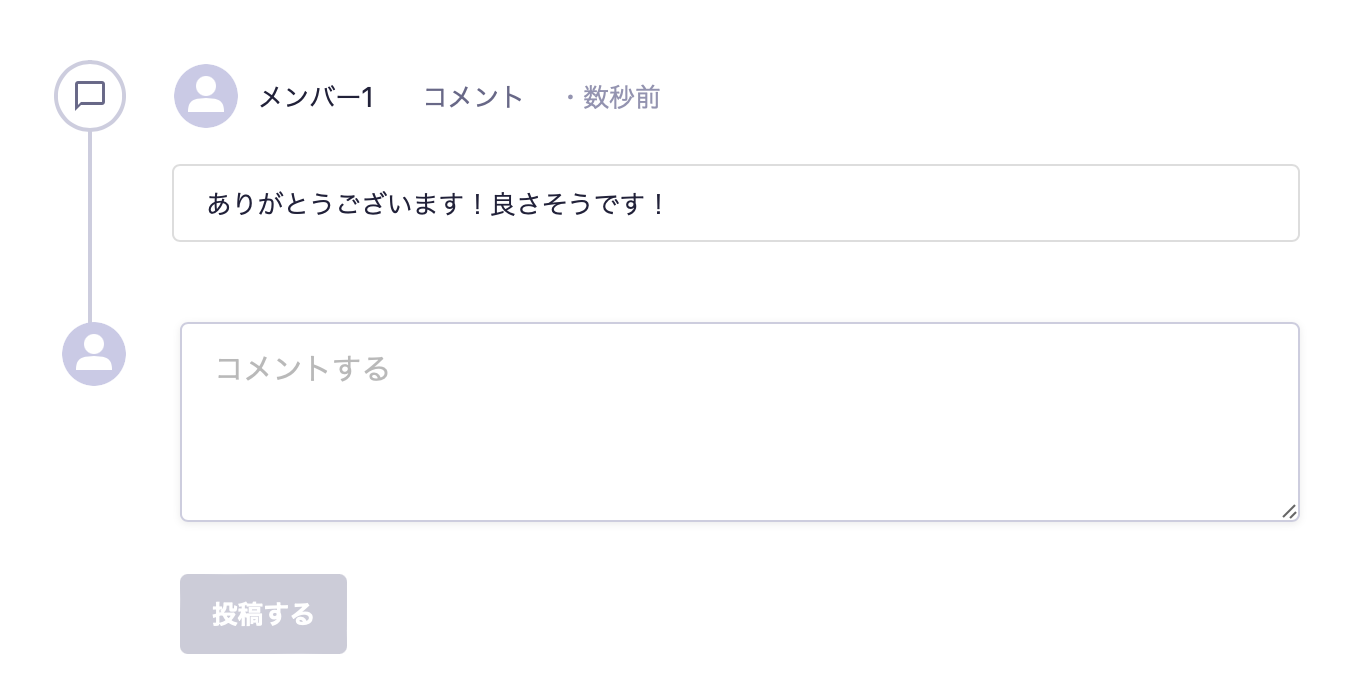
You can communicate in the comments section. Comments you enter can also be deleted. Additionally, if you specify an AI reviewer and execute a review, feedback from the AI will also be posted in this comments section.
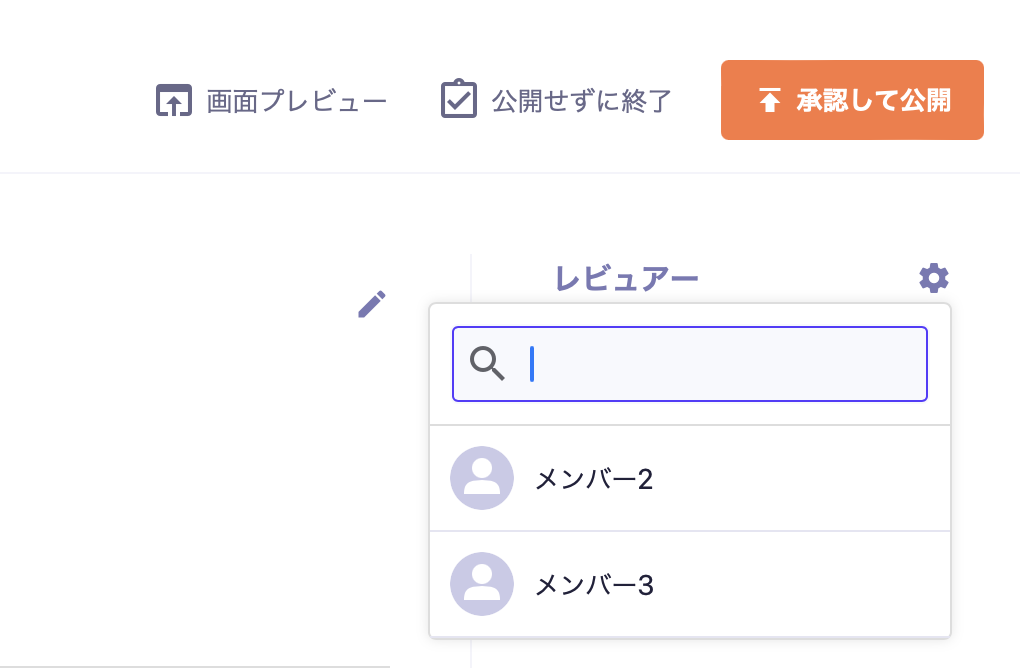
You can specify reviewers for the review. You can specify multiple reviewers (up to 10 people).
You can search for and specify member names. If you have set it up in advance, you can also specify an "AI Reviewer" to generate automatic comments for the review. For more details, please see AI Review.
Information
Reviewer candidates are displayed within the scope of member read permissions. Additionally, members who do not have read permissions for the relevant review will be excluded from the candidates.
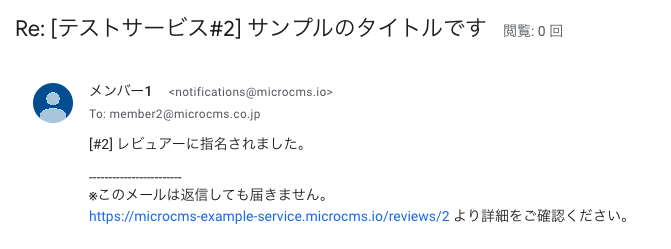
When designated as a reviewer or when comments are added, members designated as reviewers will receive the following email.
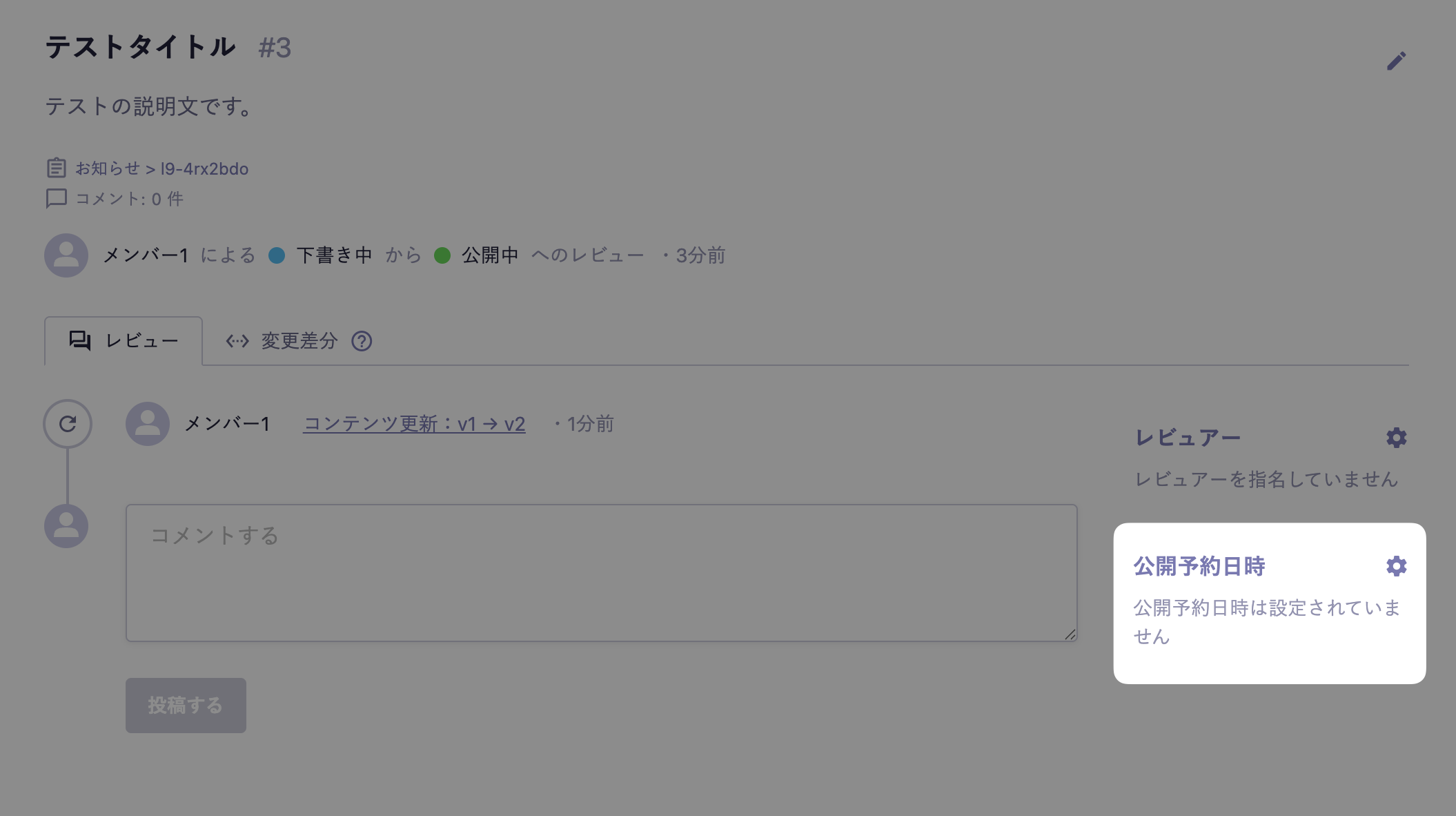
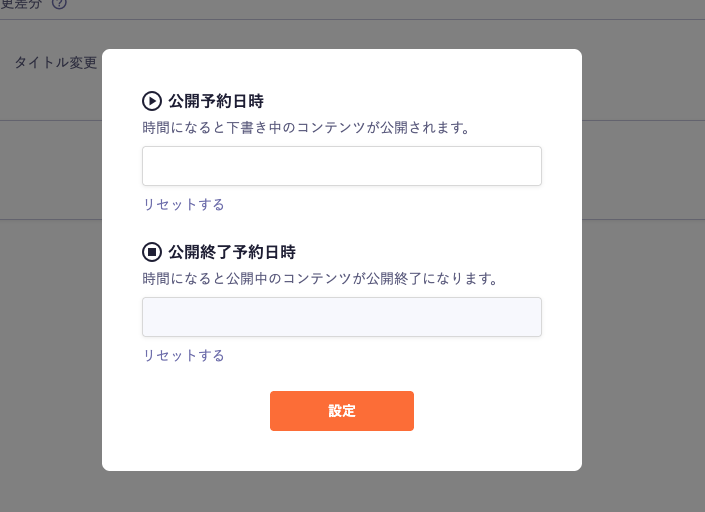
When conducting a review, you can set the "Scheduled Publication Date" and "Scheduled End of Publication Date".
Depending on the review application flow, the settings can be as follows:
Public Review Application: Scheduled Publication Date / Scheduled End of Publication Date
End of Publication Review Application: Scheduled End of Publication Date
Information
Content will not be updated even if you set a scheduled date and time unless you execute [Approve and Schedule for Publication] or [Approve and End Publication].
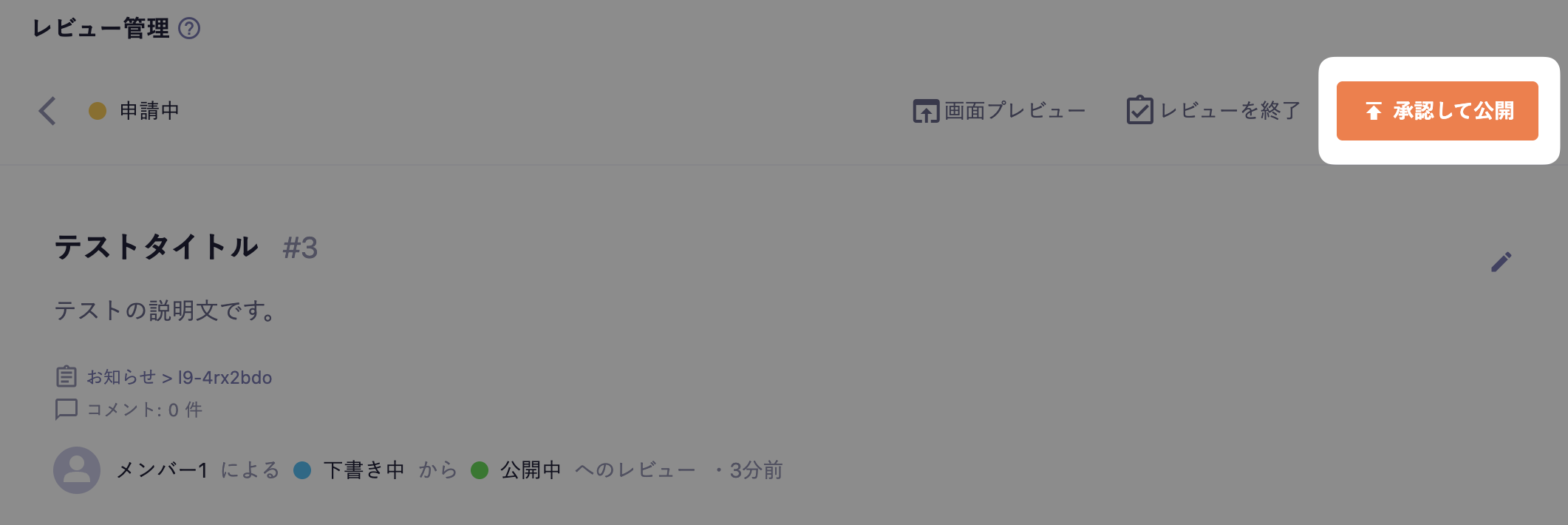
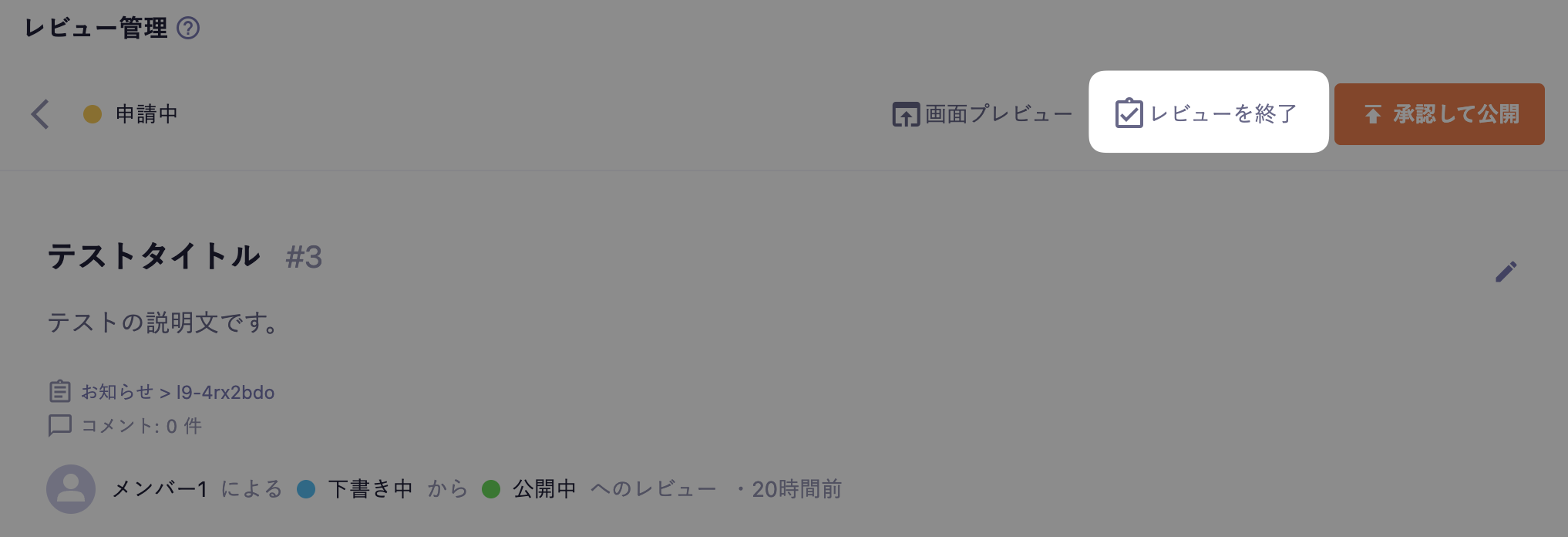
Once the review is complete, click on [Approve and Publish] or [End Publication] to update the content. Clicking either button will change the review status to "Completed".
Information
If a scheduled publication date or scheduled end date is set, the button will be labeled as [Approve and Schedule Publication] or [Approve and Schedule End], and it will be updated at the specified time.
If the review content is denied, you can also end it without updating the content. Clicking on [End Review] will change the review status to "Completed," and the content will remain in its original state.
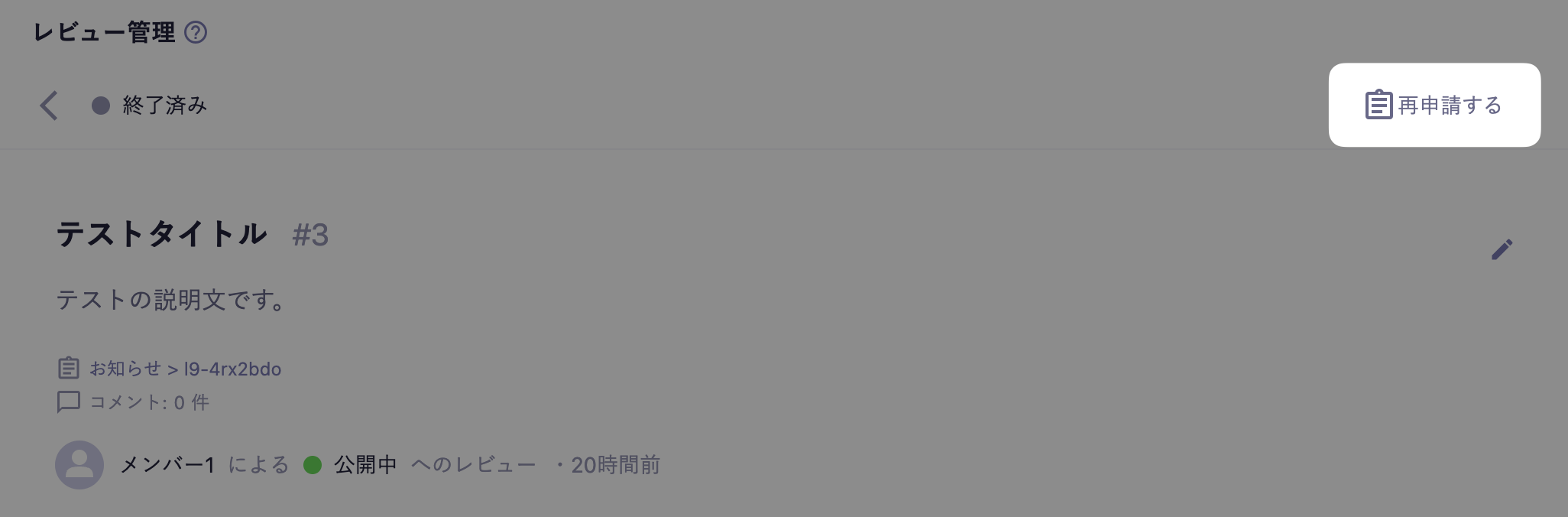
If a review has been denied and is marked as "Completed," it can be reapplied. Clicking on [Reapply] will change the review status back to "In Review."
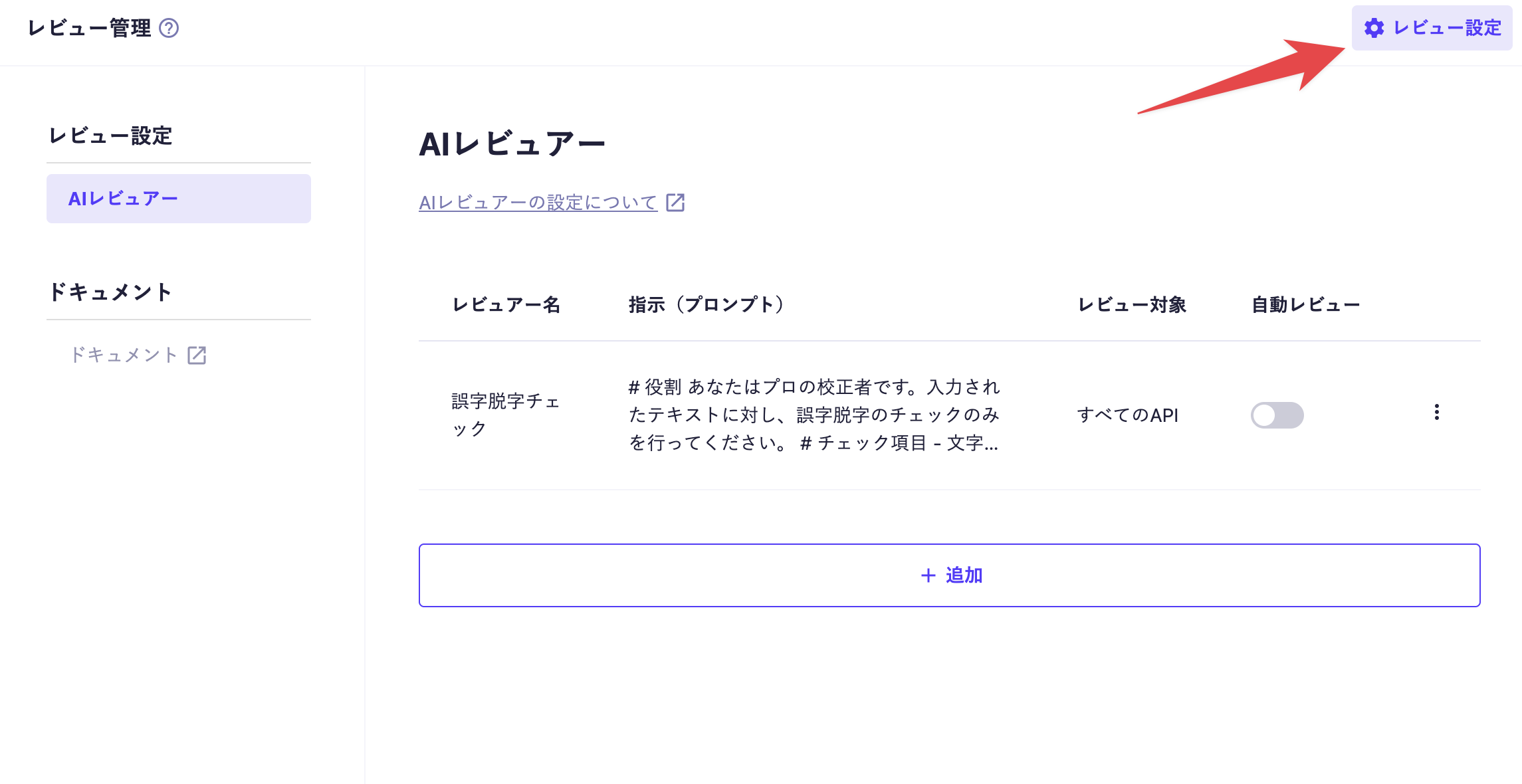
Members with the administrator role can configure various settings related to reviews from the [Review Settings] button located at the top right of the review management screen.
Currently, the review settings screen allows for the management of "AI Reviewers." For the setup procedure and detailed usage of AI Reviewers, please refer to the AI Review manual.

 Information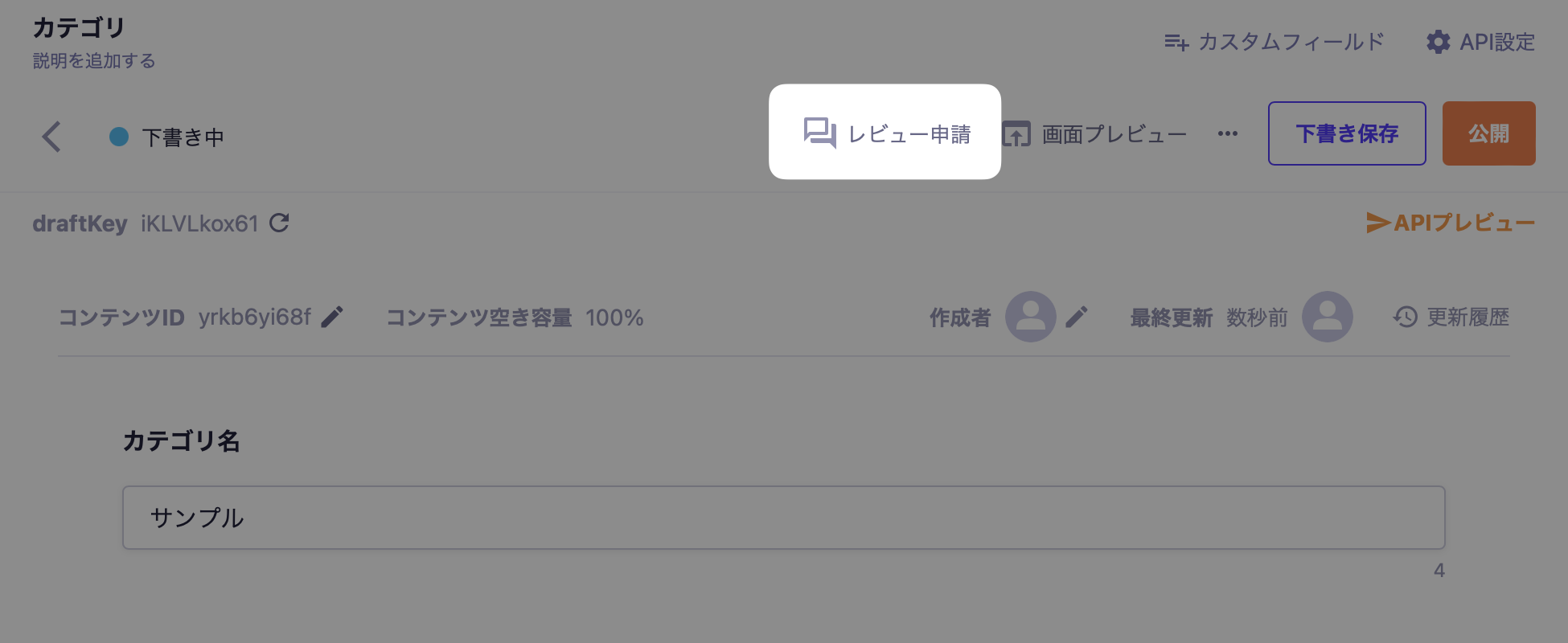
 Caution