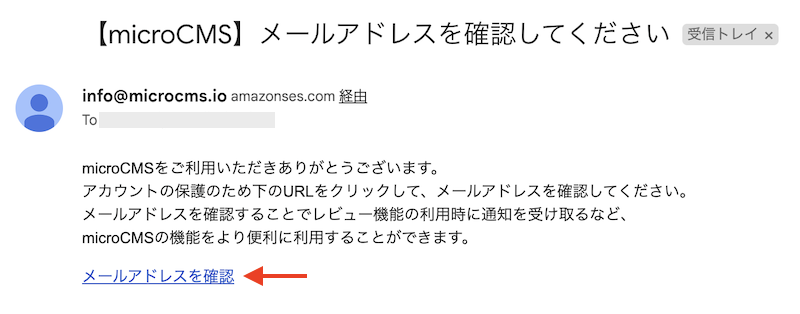
To protect your account, please verify your email address. You will receive an email like the one below at the email address you entered during account registration. Clicking on "Verify Email Address" will redirect you to your profile page, completing the verification process.
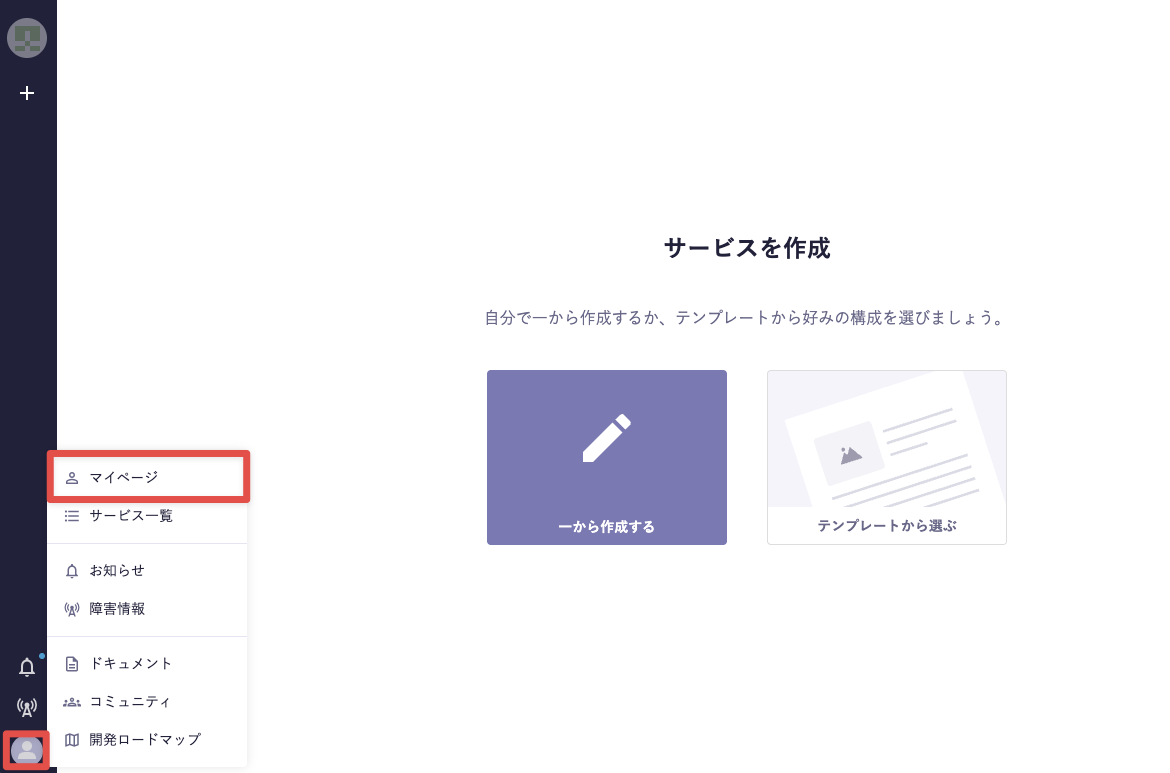
Click the icon in the lower left of the admin panel to navigate to "My Page" > "Profile" page.
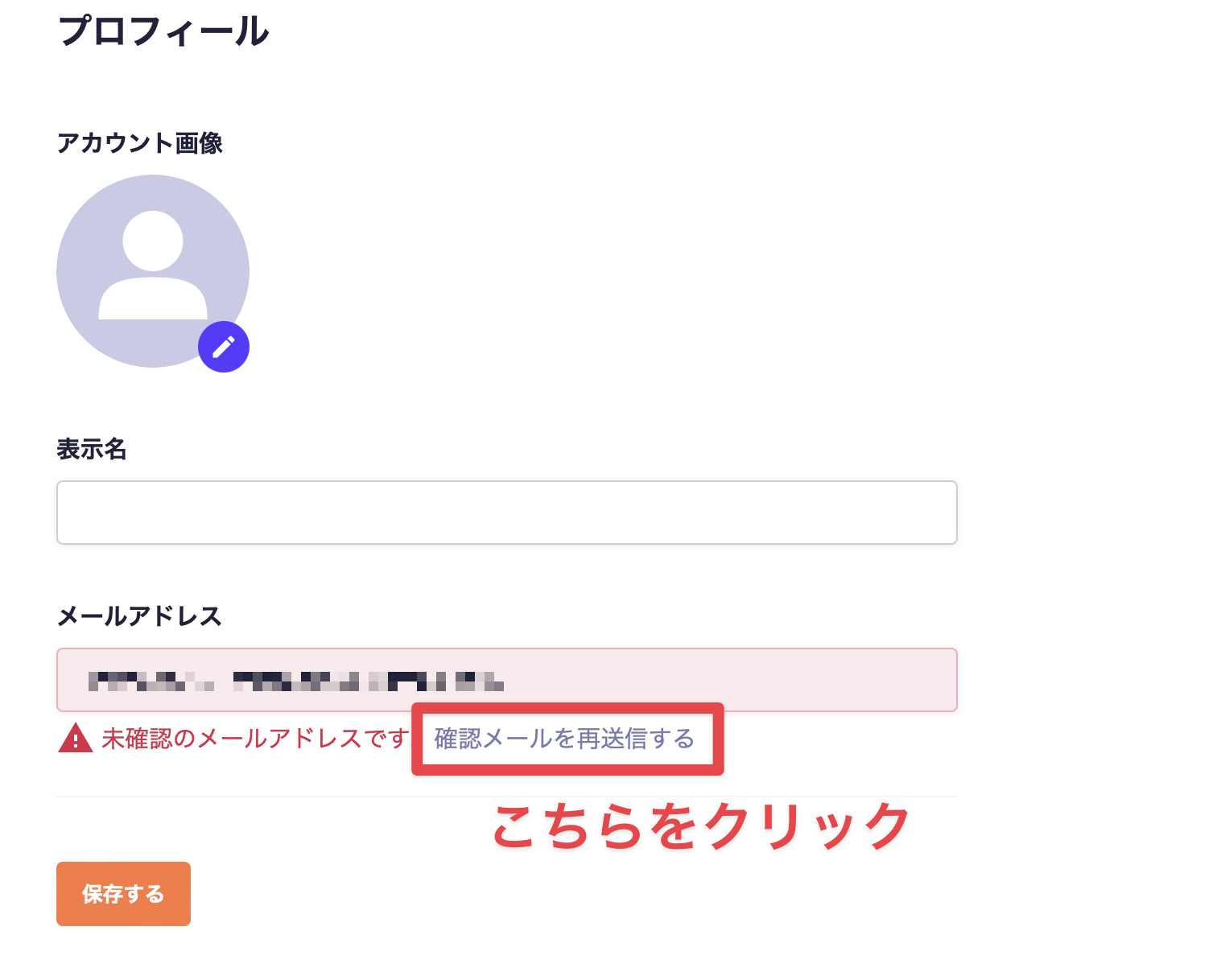
Click "Resend Verification Email" located below your email address to open the email resend screen.
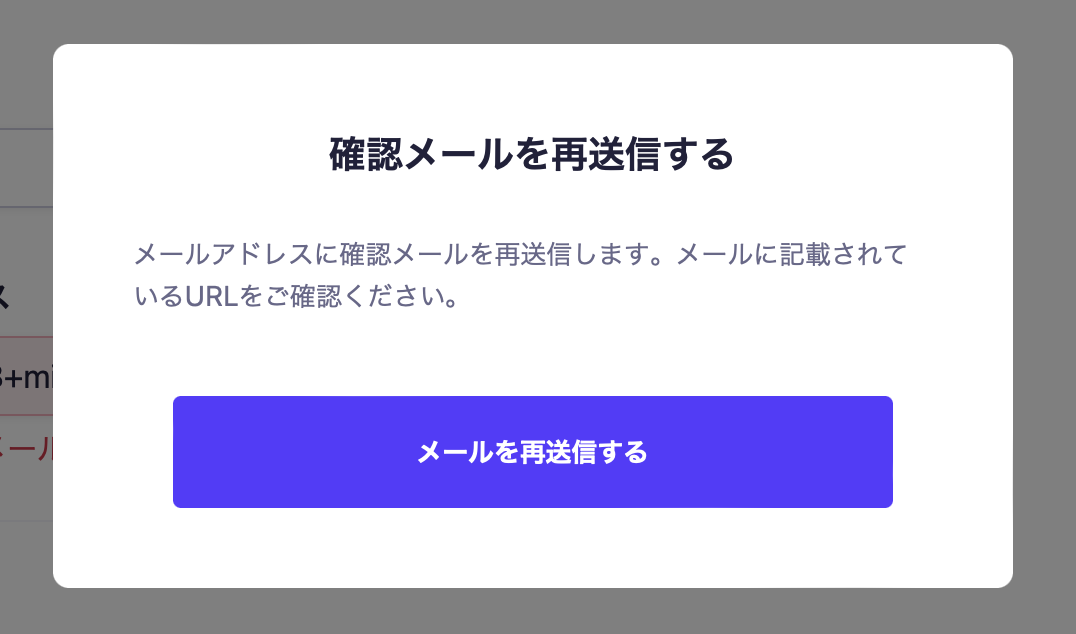
A modal screen like the one below will open.
Clicking "Resend Email" will resend the email.
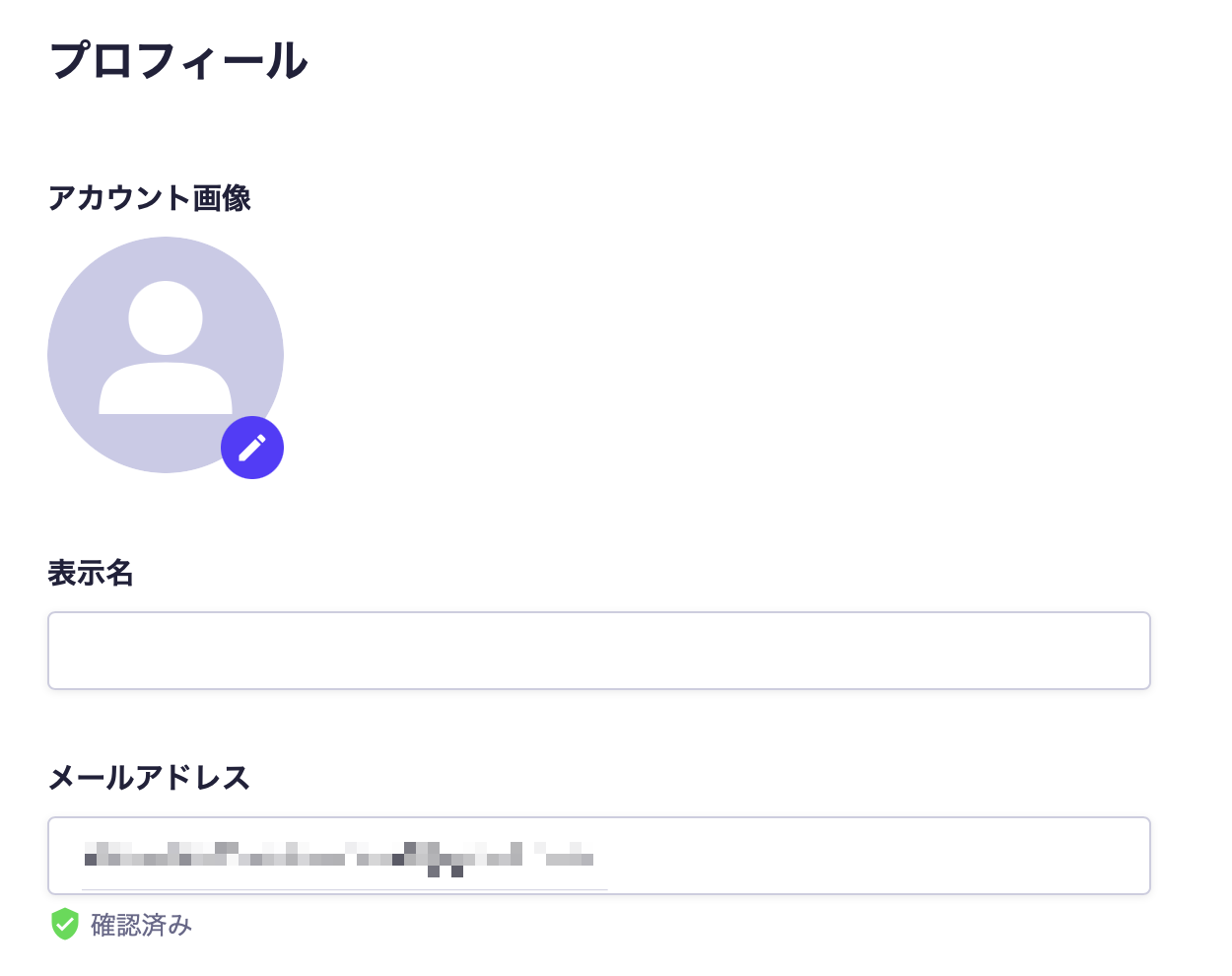
Clicking "Verify Email Address" in the email will automatically redirect you to your profile page, completing the verification process. Once verification is complete, the label will change to "Verified".
Information
If you do not receive the email, please check your spam folder or the promotions folder, as it may have been sorted there.

 Information