This document outlines the quickest steps to use microCMS from a Ruby application. If you are using microCMS from a Ruby application for the first time, please try these steps first.
You need to understand how to register for a microCMS account, create a service, and create an API. Please refer to the operation manual for more information.
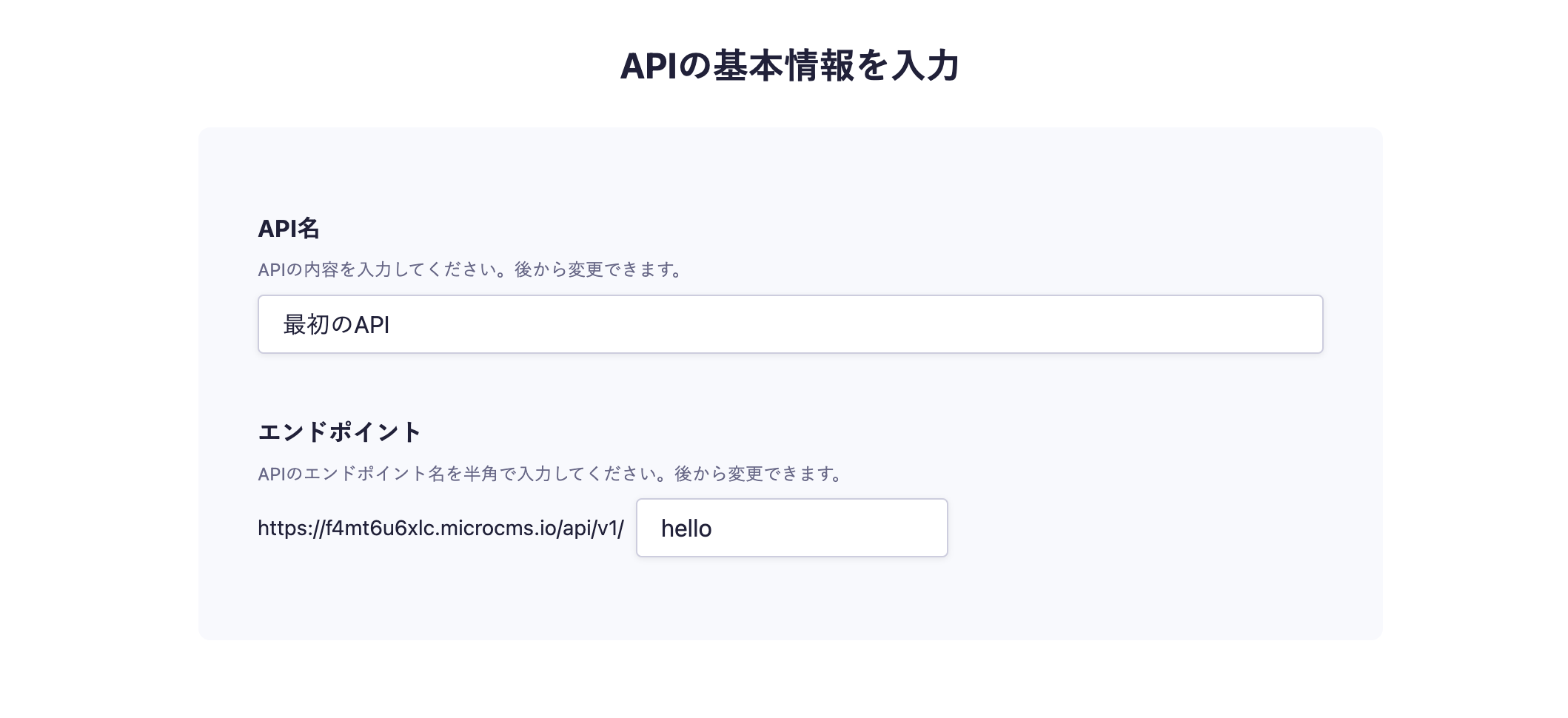
In the API creation screen, enter a desired API name and endpoint.
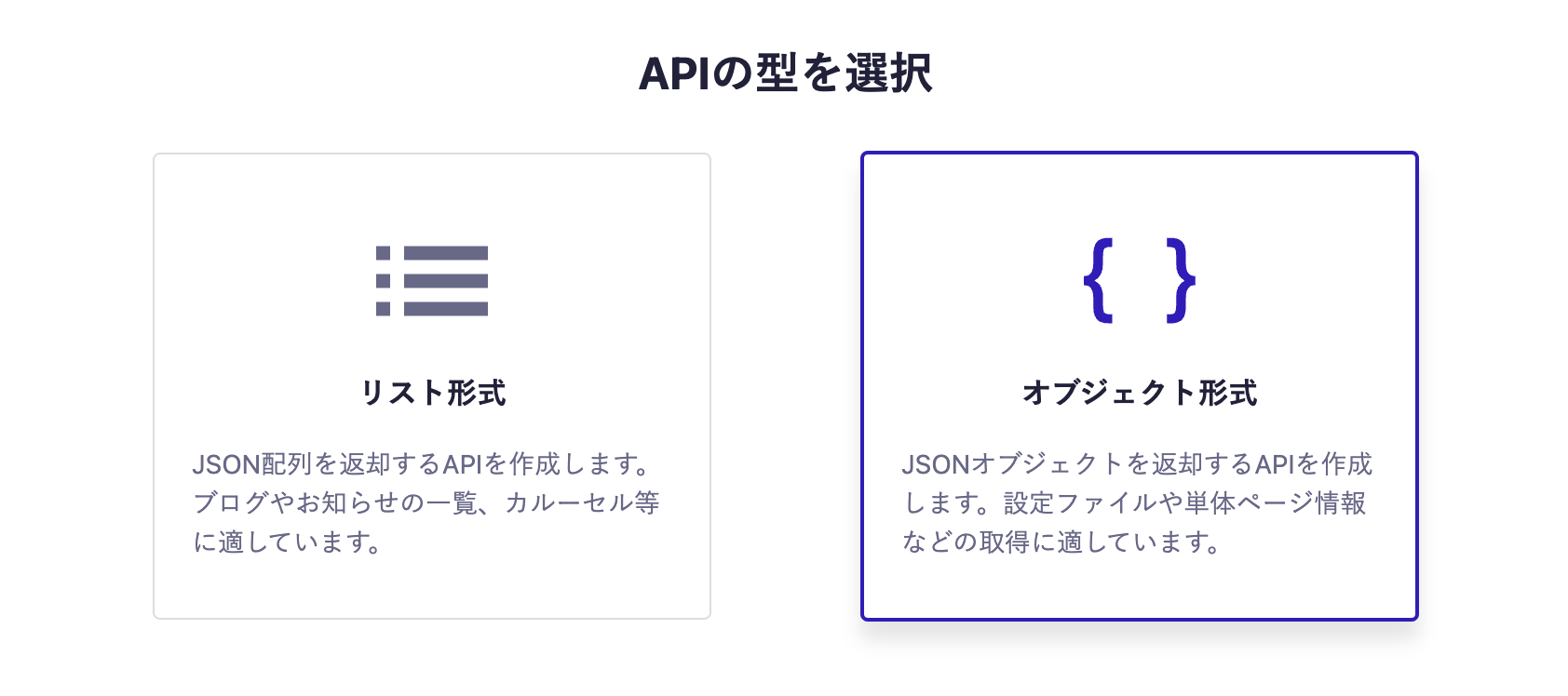
Next, select the object format.
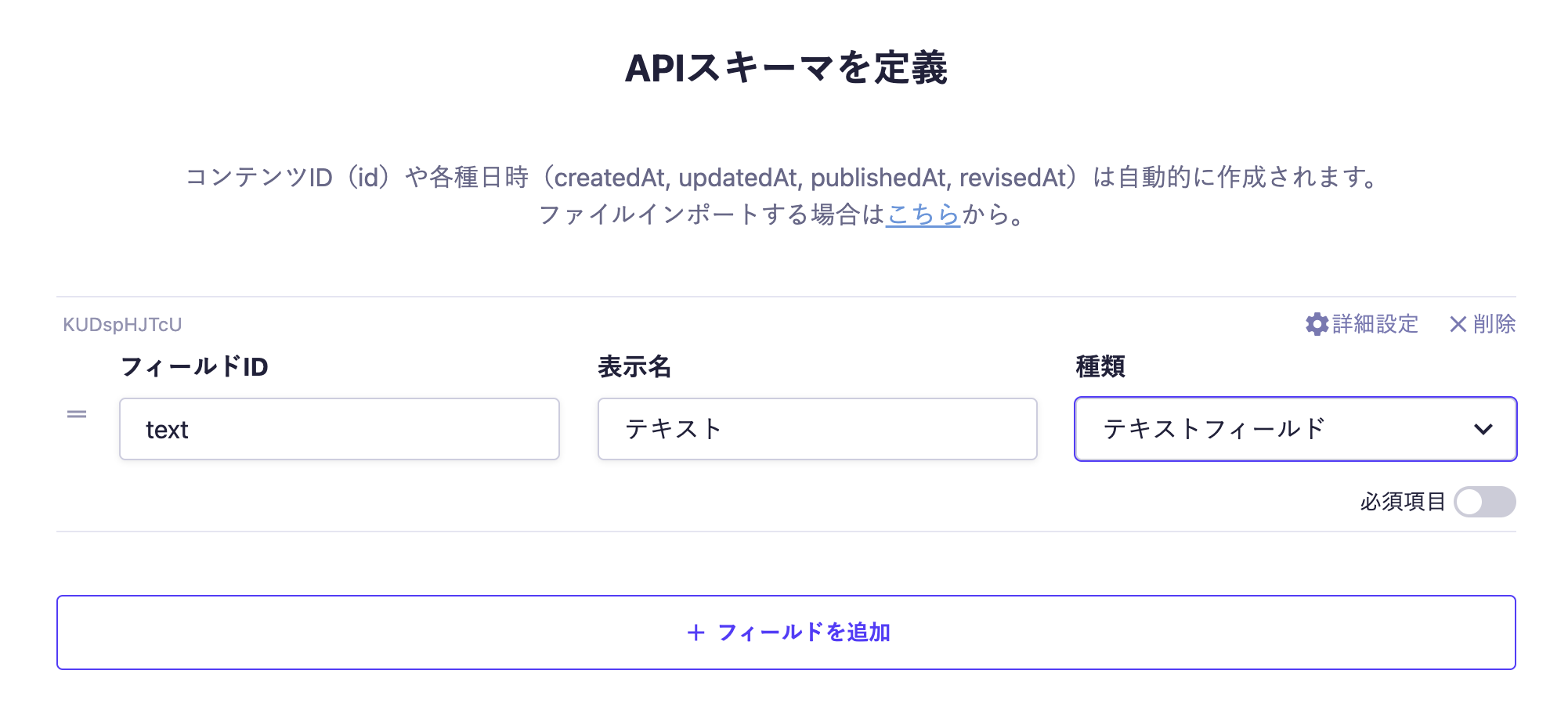
Finally, set the fields. This time, we will set only one text field.
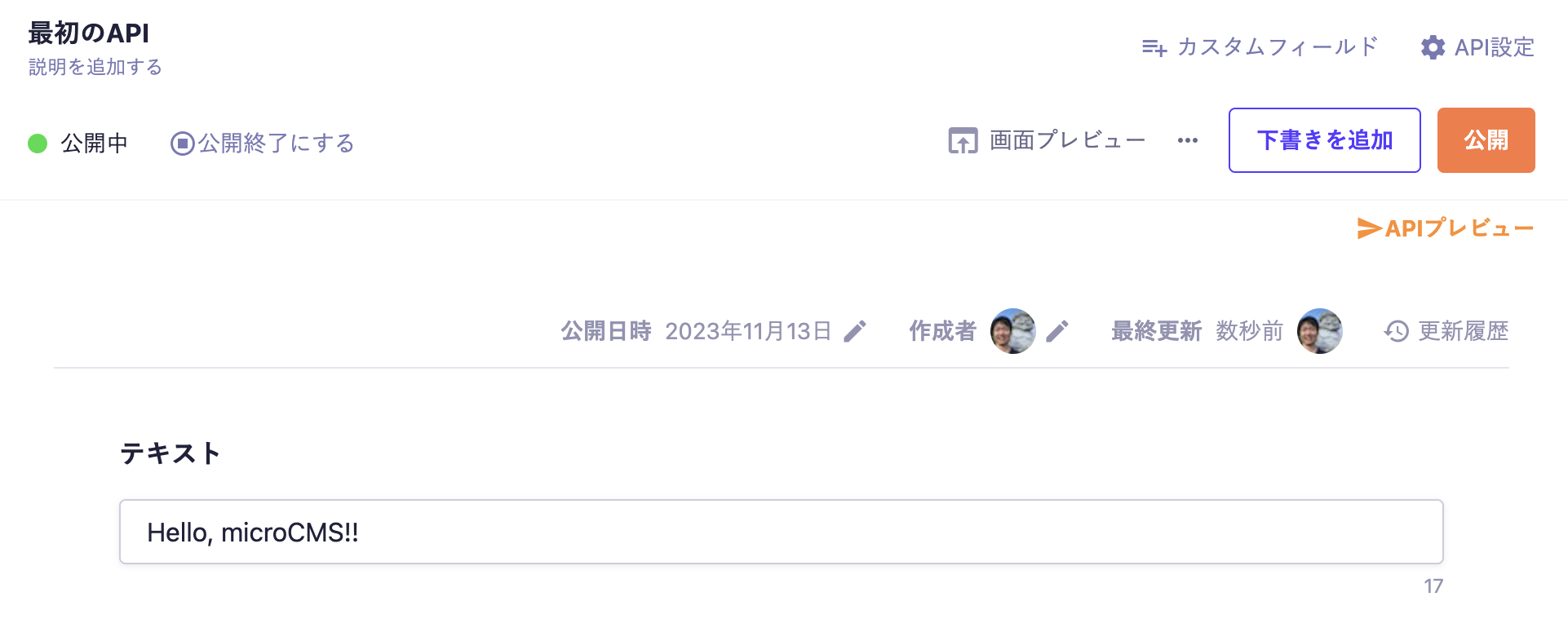
With the above settings, the API will be created, allowing you to submit content. Move to the editing screen, enter the desired values, and publish.
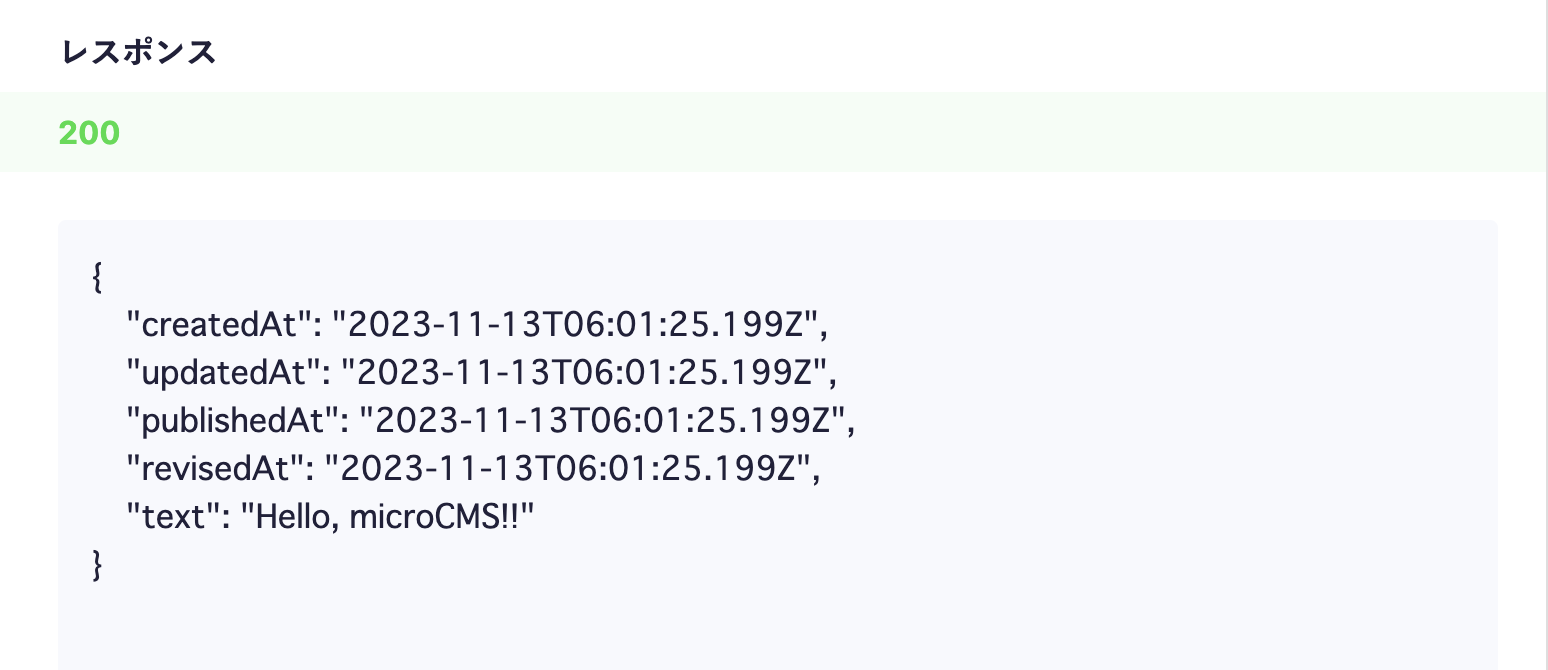
At this point, a response containing content data will be returned from the API. Click on the API preview in the upper right corner to access the created API and confirm that a JSON response is being returned.


 Integration with Ruby