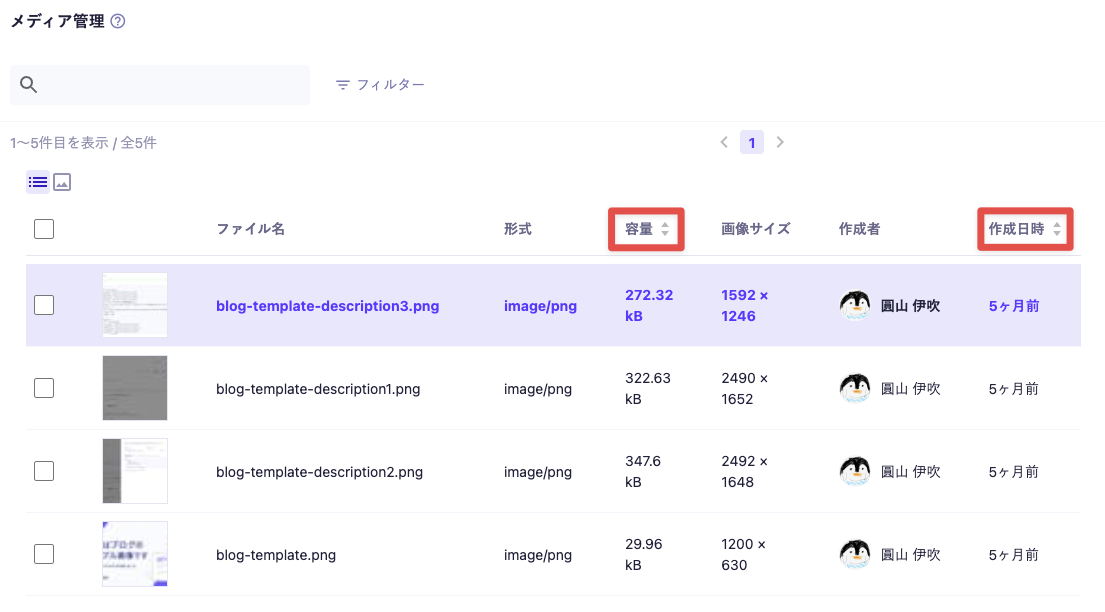
By using the media filter function, you can narrow down and display media.
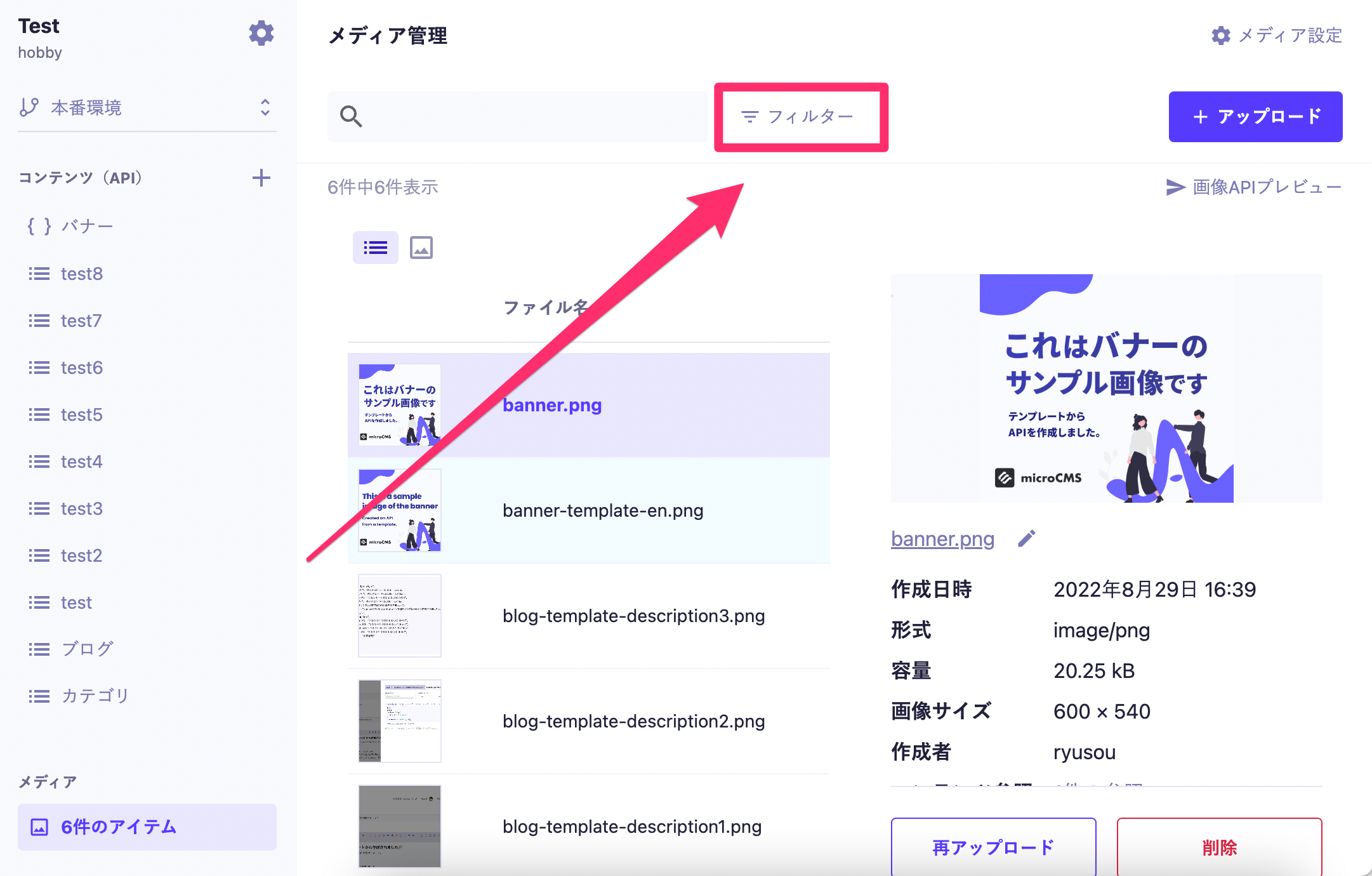
First, click on "Filter".
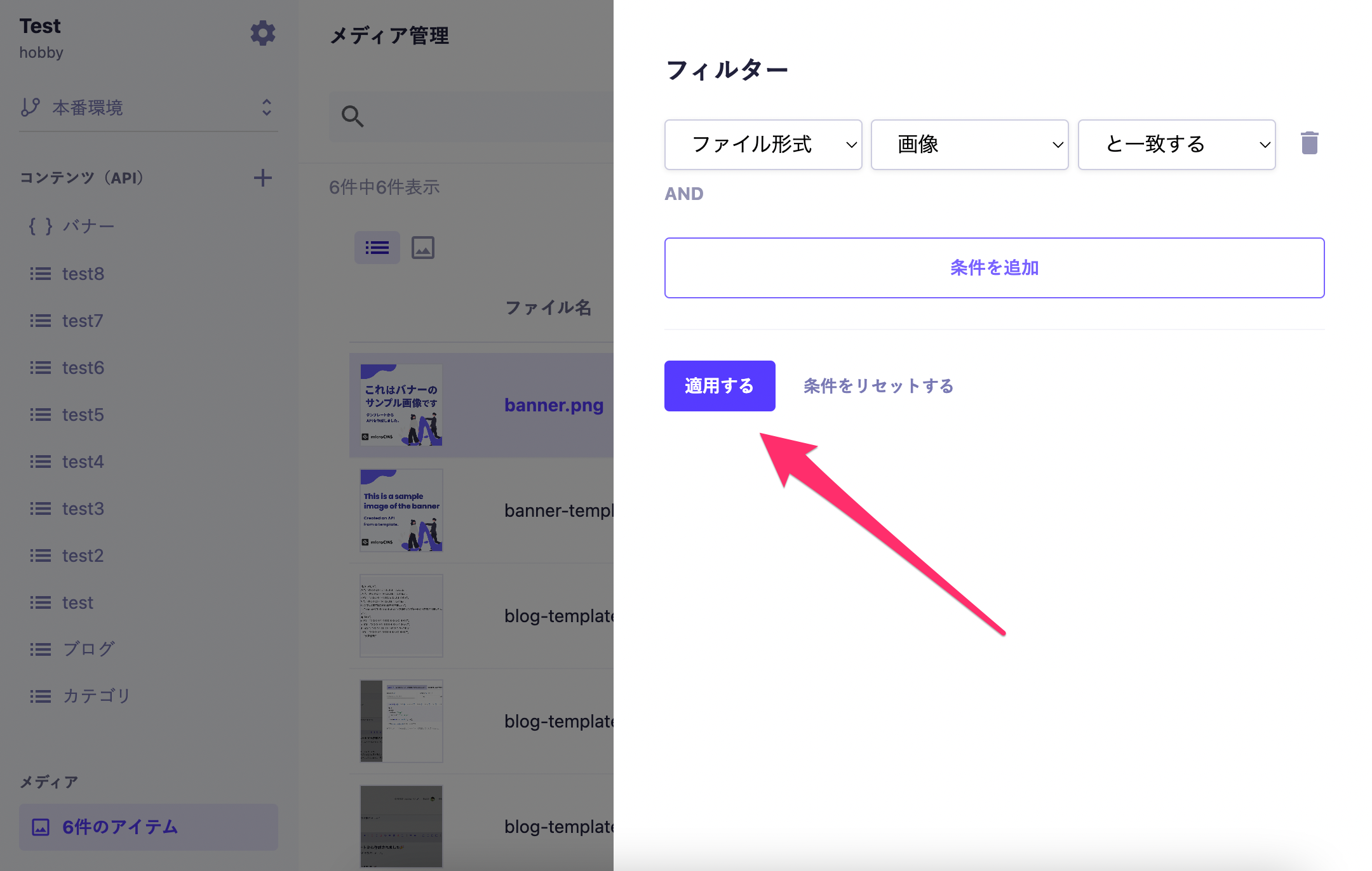
A settings screen will appear on the right side, where you can select filter conditions and apply them by clicking "Apply". You can filter by the following items:
File type (image, video, audio, PDF, CSV)
Creation date (before, after)
Creator
Tags
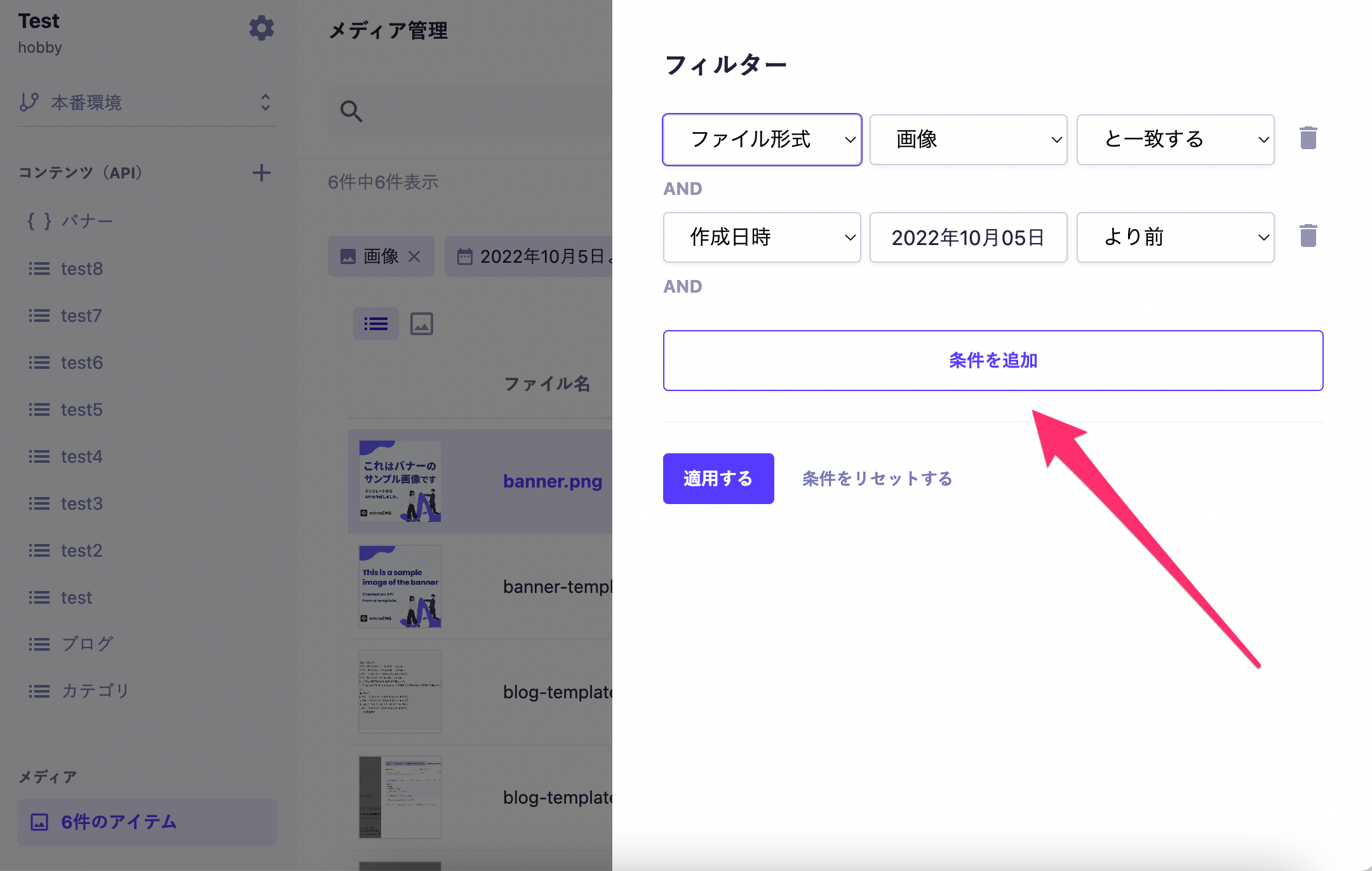
You can click "Add Condition" to filter with multiple conditions. The condition expression only supports "AND" searches.
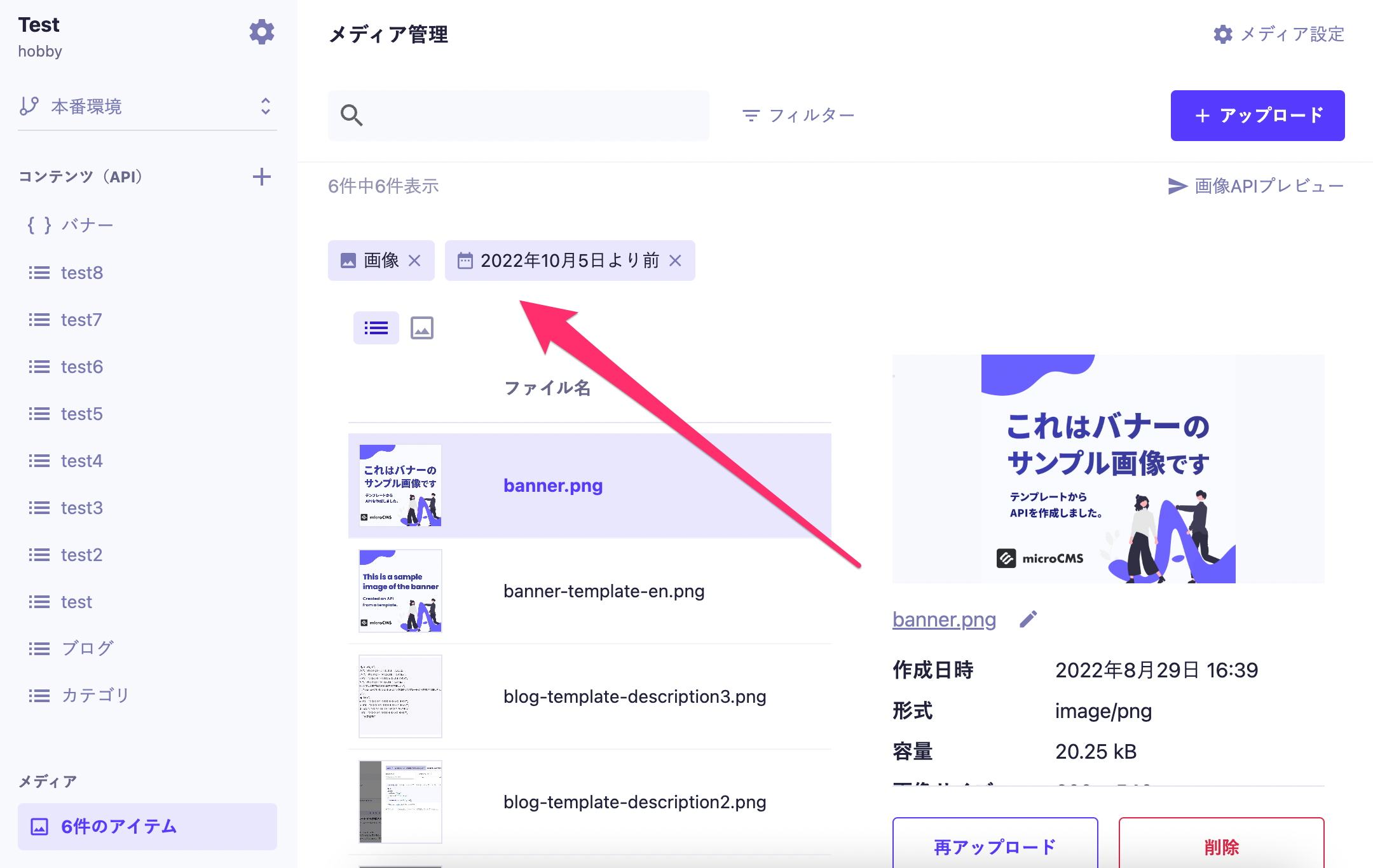
The currently applied conditions will be displayed in the section below. You can reset the conditions by clicking the × button.